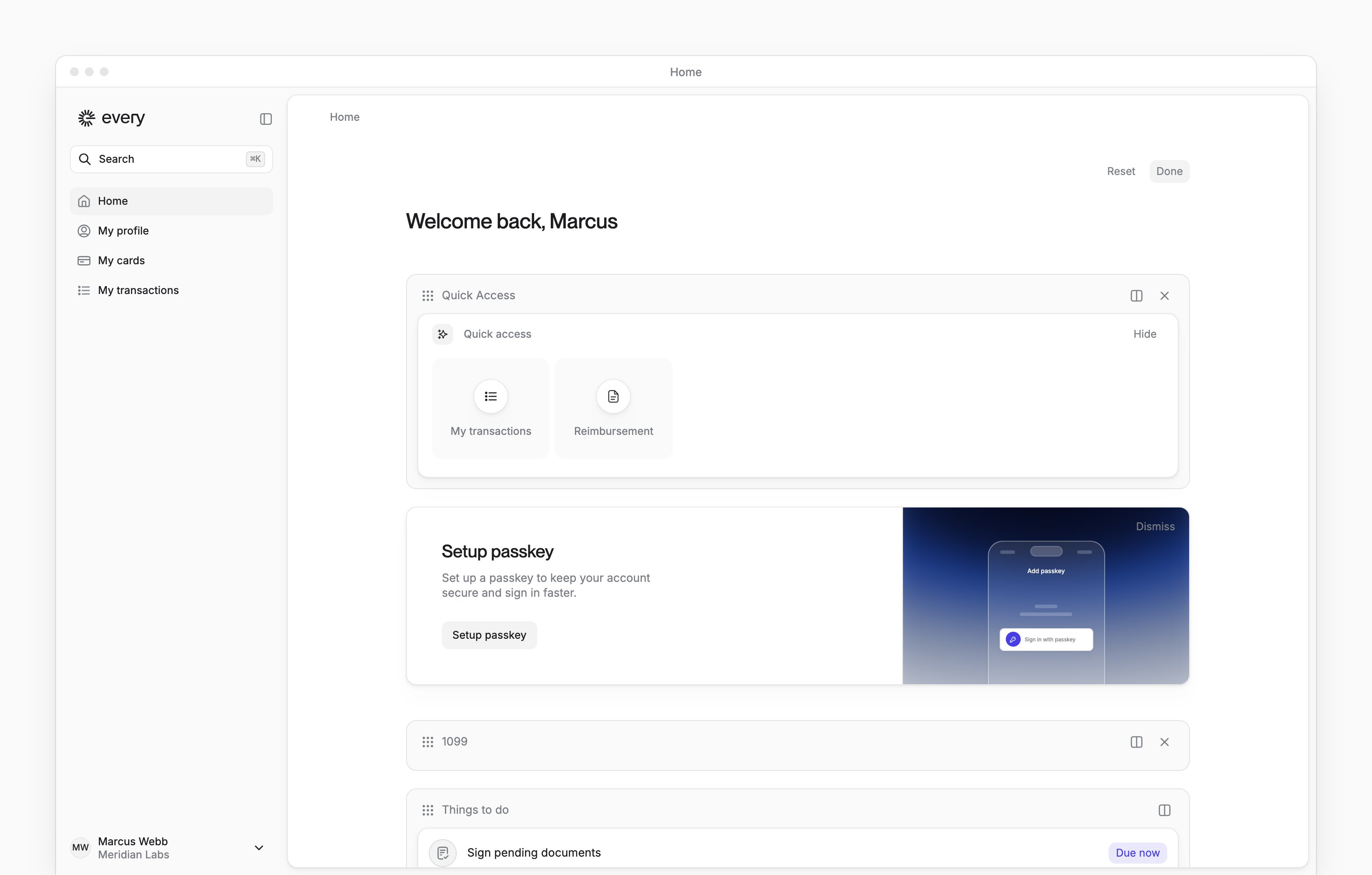
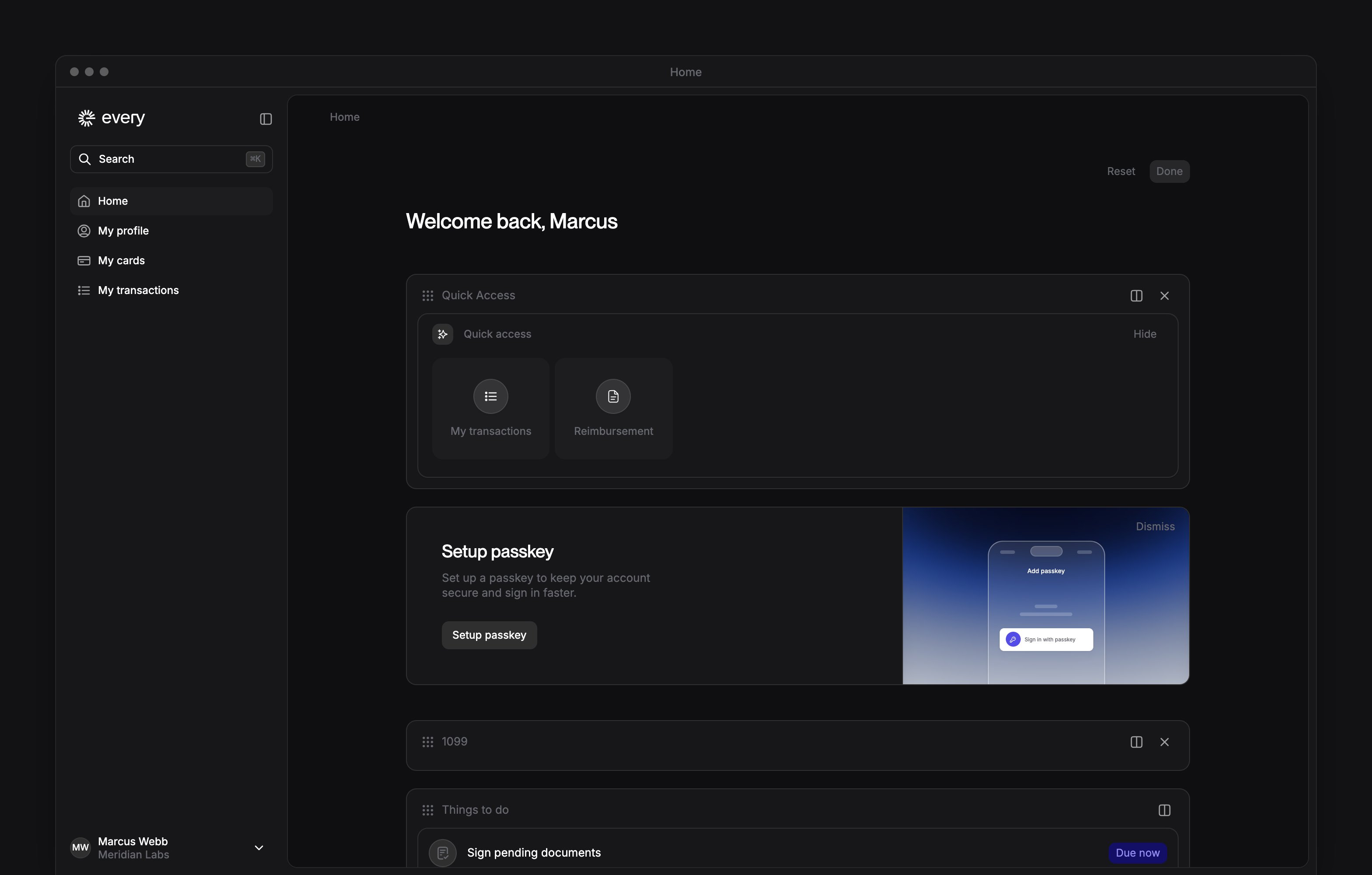
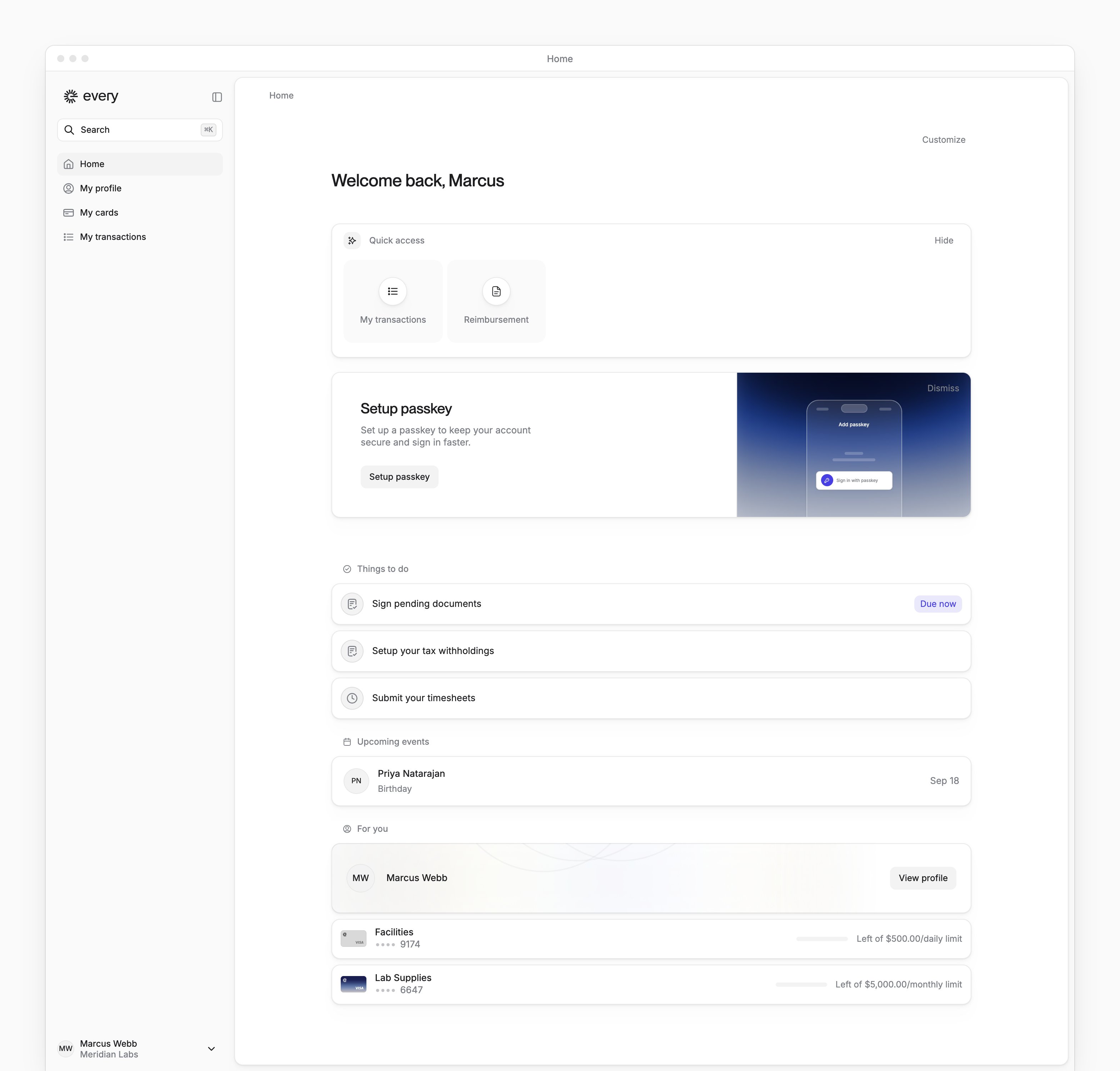
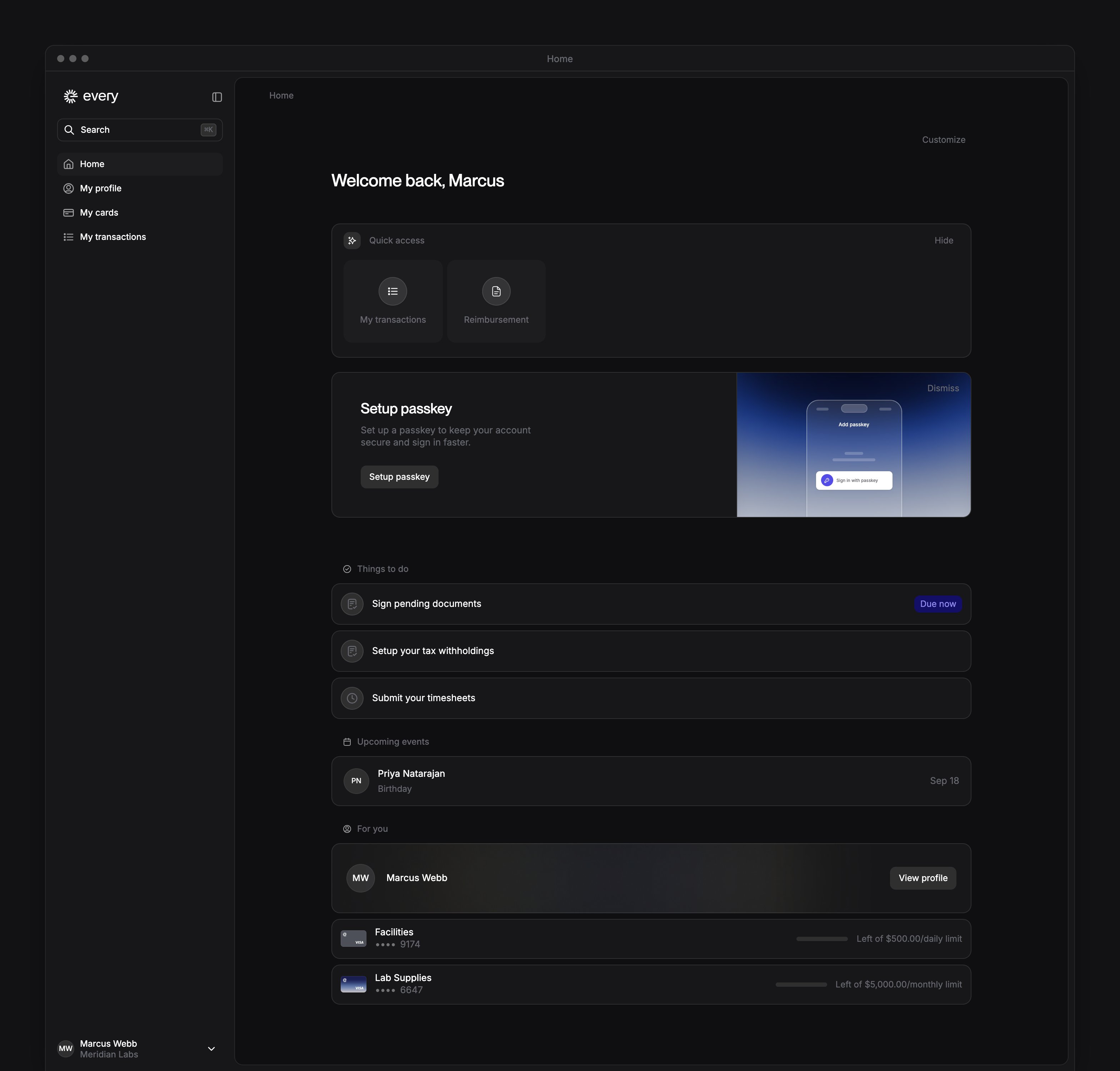
Home in the sidebar shows your tasks and links to your own information.
Every turns on Upcoming events company by company. If you don’t see it, email support@every.io to ask about it.
Tasks
Things to do lists the tasks assigned to you.
For your first setup, follow Join your company.
Sign documents
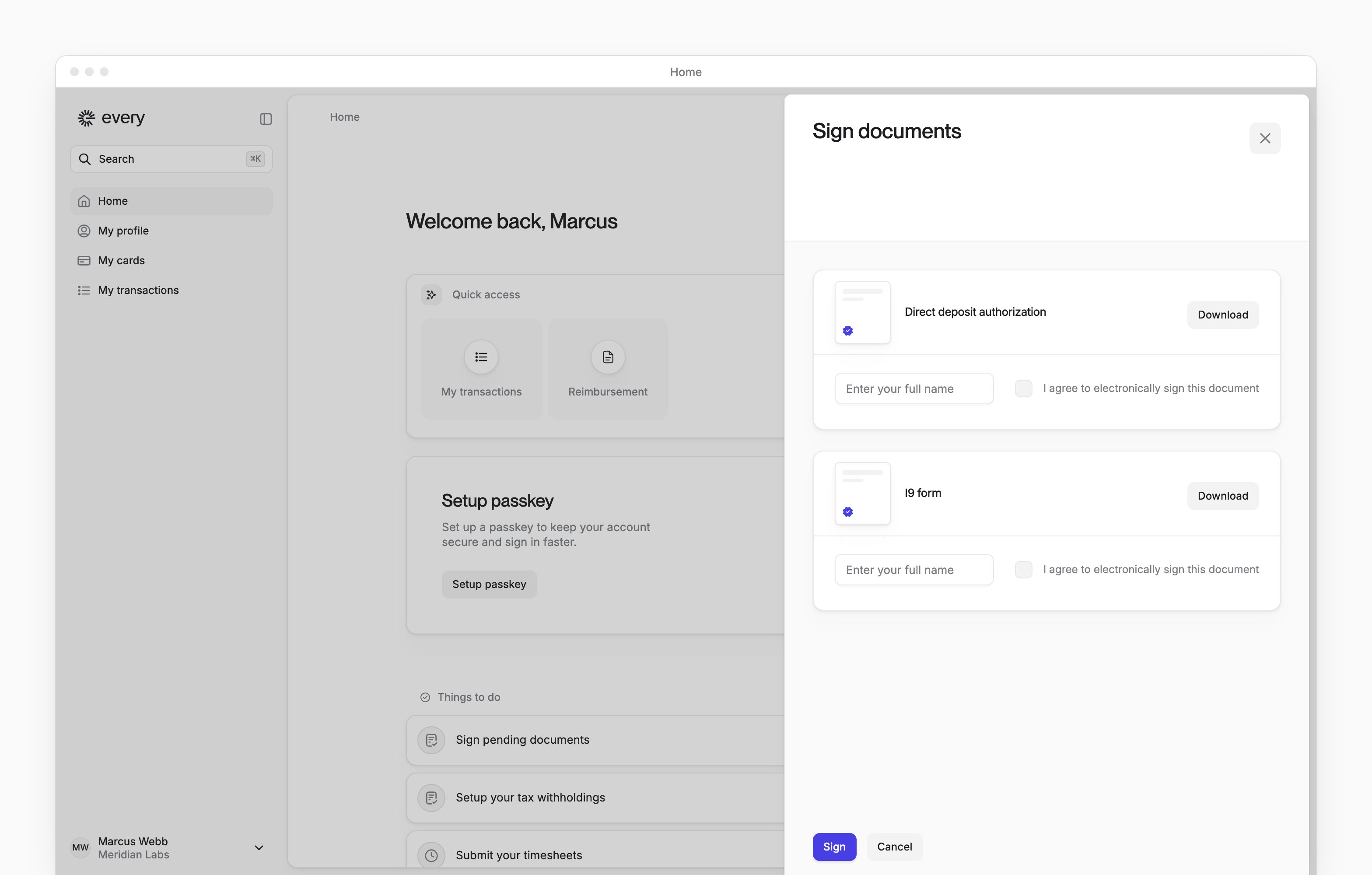
When Sign pending documents appears under Things to do, open Sign documents.1
Review each document
Select Download beside each document to open it for review.
2
Enter your signature
Enter your full name for each document shown.
3
Give your consent
Select I agree to electronically sign this document for each document.
4
Sign the documents
Select Sign. Every shows “Documents signed successfully” and closes the sheet.
Customize Home
1
Start customizing
On Home, select Customize.
2
Arrange the sections
Drag a section by its handle to move it, or select Remove widget to remove it. To add a section back, select Add widget.
3
Save your layout
Select Done. To return to your saved layout instead, select Reset.