


 Your job, pay and personal details are on My profile in the sidebar, after your company finishes onboarding.
For account settings, including your password and passkeys, open My account from your profile menu.
Available tabs depend on your employment and benefits. The Time off tab requires membership in a time off policy.
Your job, pay and personal details are on My profile in the sidebar, after your company finishes onboarding.
For account settings, including your password and passkeys, open My account from your profile menu.
Available tabs depend on your employment and benefits. The Time off tab requires membership in a time off policy.
Update your details
1
Open personal details
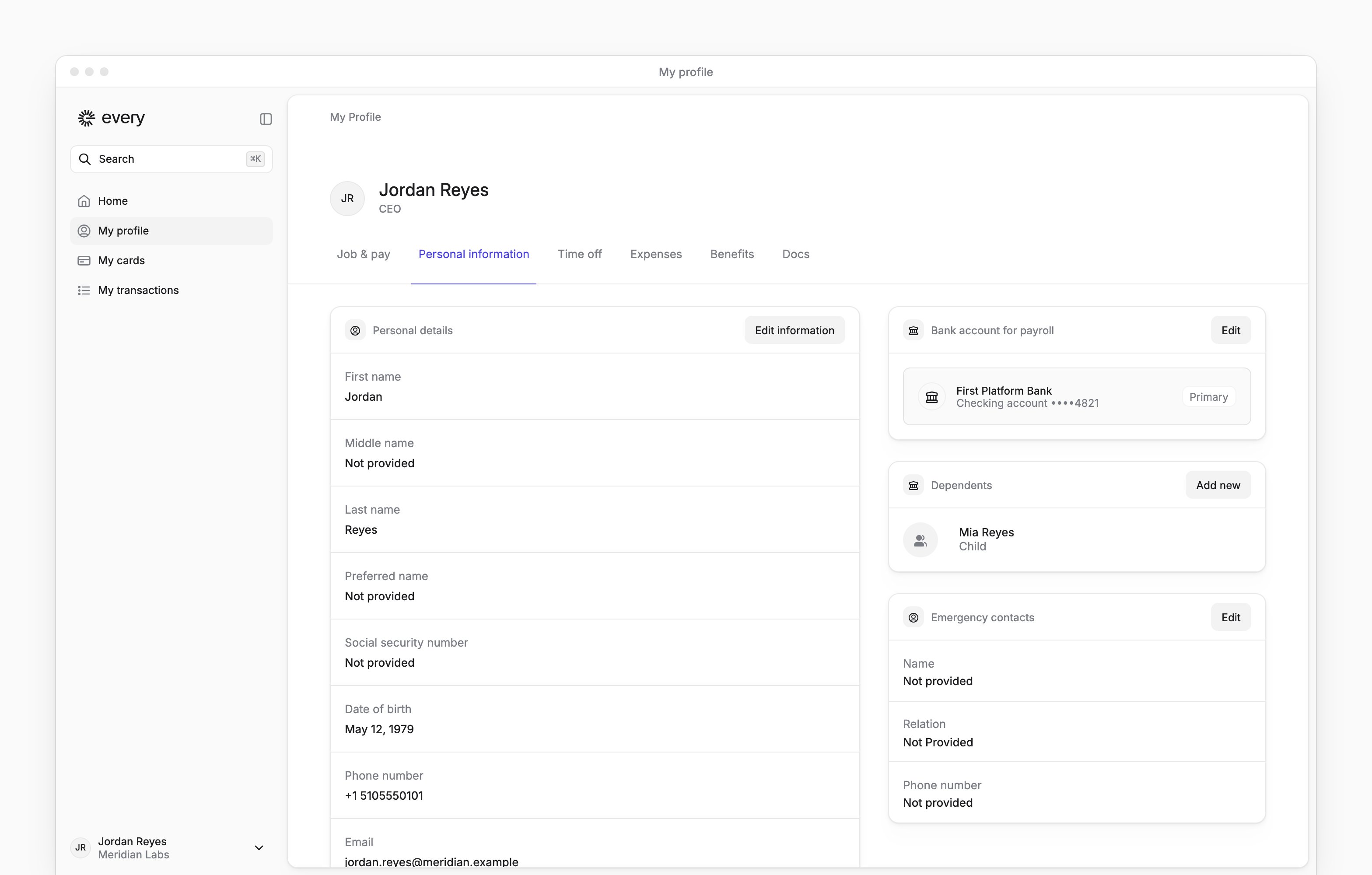
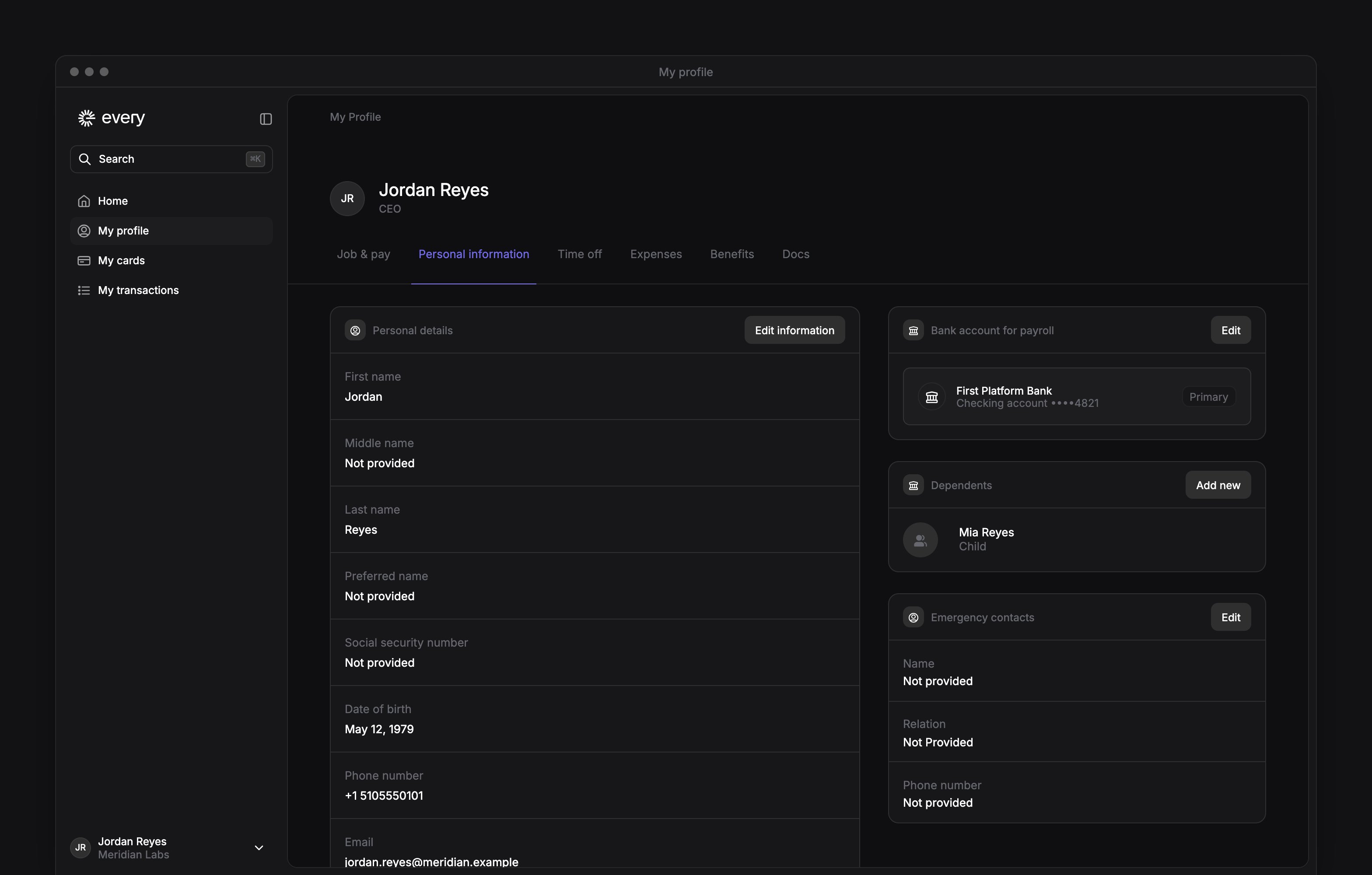
On Personal information, select Edit information next to Personal details.
2
Change your details
While employed, update your name, preferred name, email, phone or other requested details.
3
Save the changes
Select Save.
4
Verify an email or phone change
If you changed your email or phone, follow the verification prompt.
1
Open the address menu
On Personal information, under Home address history, open the address’s menu.
2
Start editing
Select Edit address.
3
Change the address
Update the requested address information.
4
Save the address
Select Save.
Update dependents and emergency contacts
While employed, you can keep these details current on Personal information.1
Add a dependent
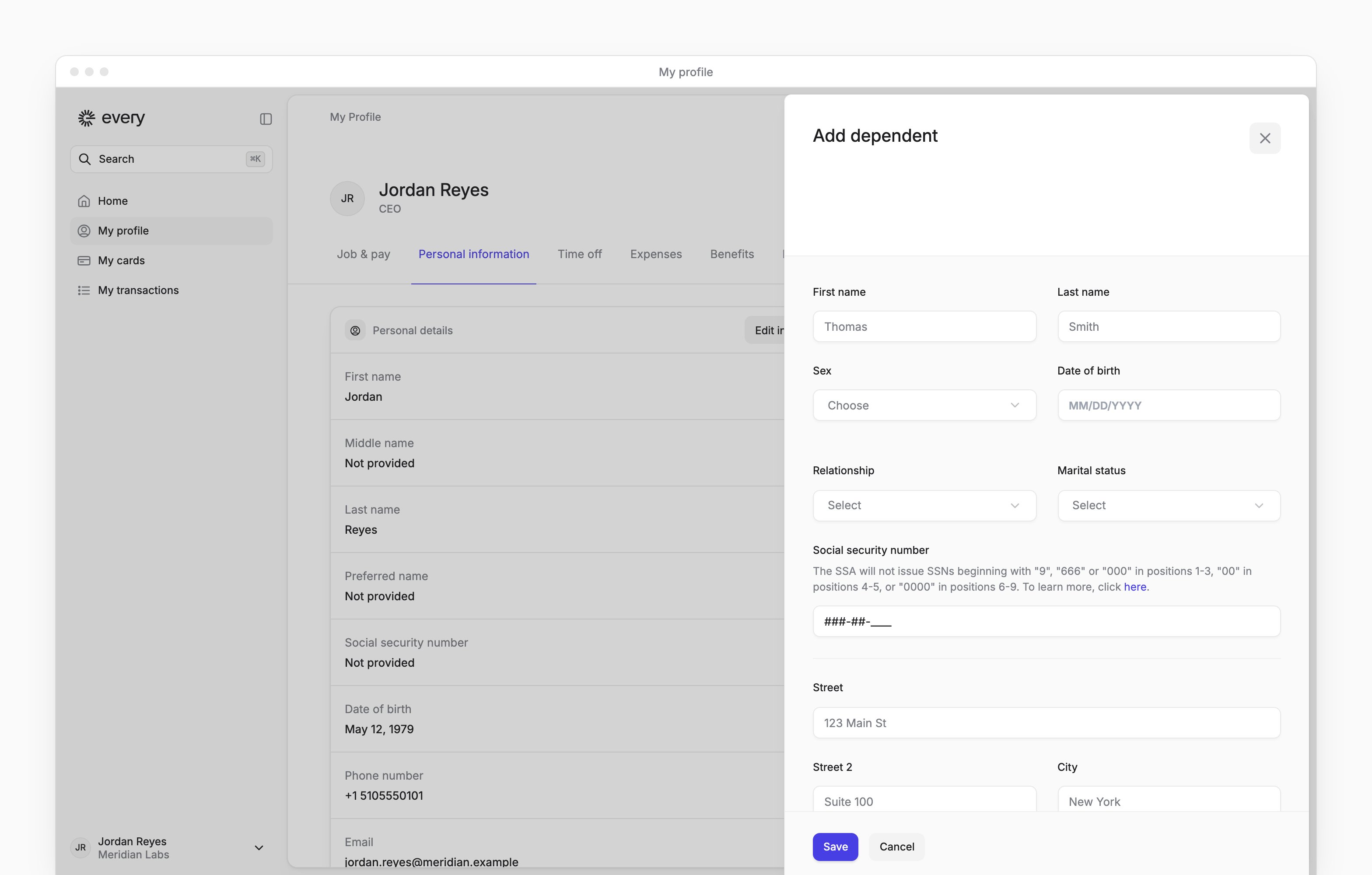
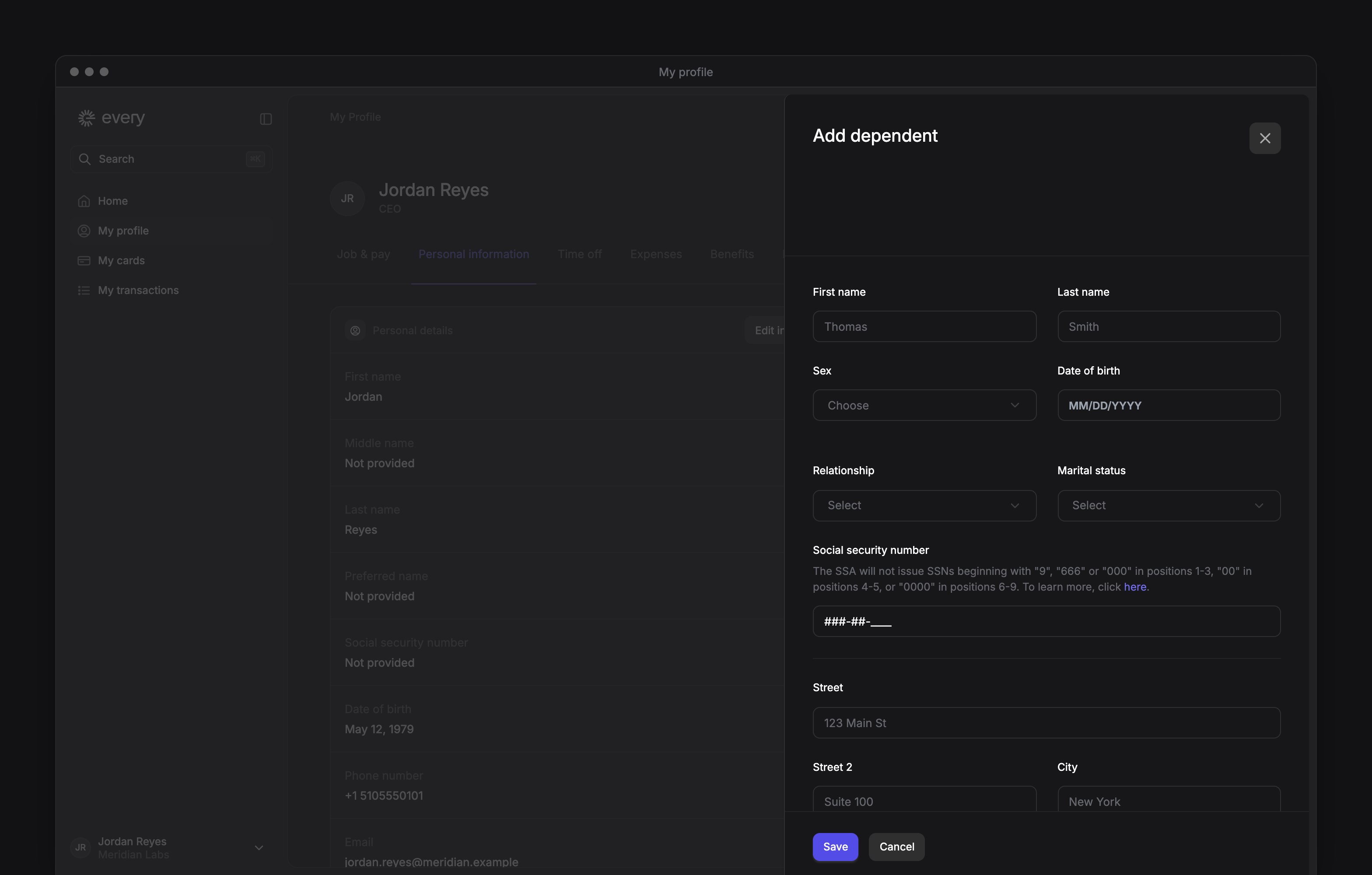
Under Dependents, select Add new.
2
Enter their details
Complete the requested personal and address information.
3
Save the dependent
Select Save.
1
Open the dependent menu
Under Dependents, open the dependent’s menu.
2
Start editing
Select Edit dependent.
3
Change the details
Update the dependent’s requested personal or address information.
4
Save the changes
Select Save.
- Select Remove dependent.
- Select Confirm.
1
Open the form
Under Emergency contacts, select Edit.
2
Enter the contact details
Enter the person’s name, relation and phone number.
3
Save the contact
Select Save.
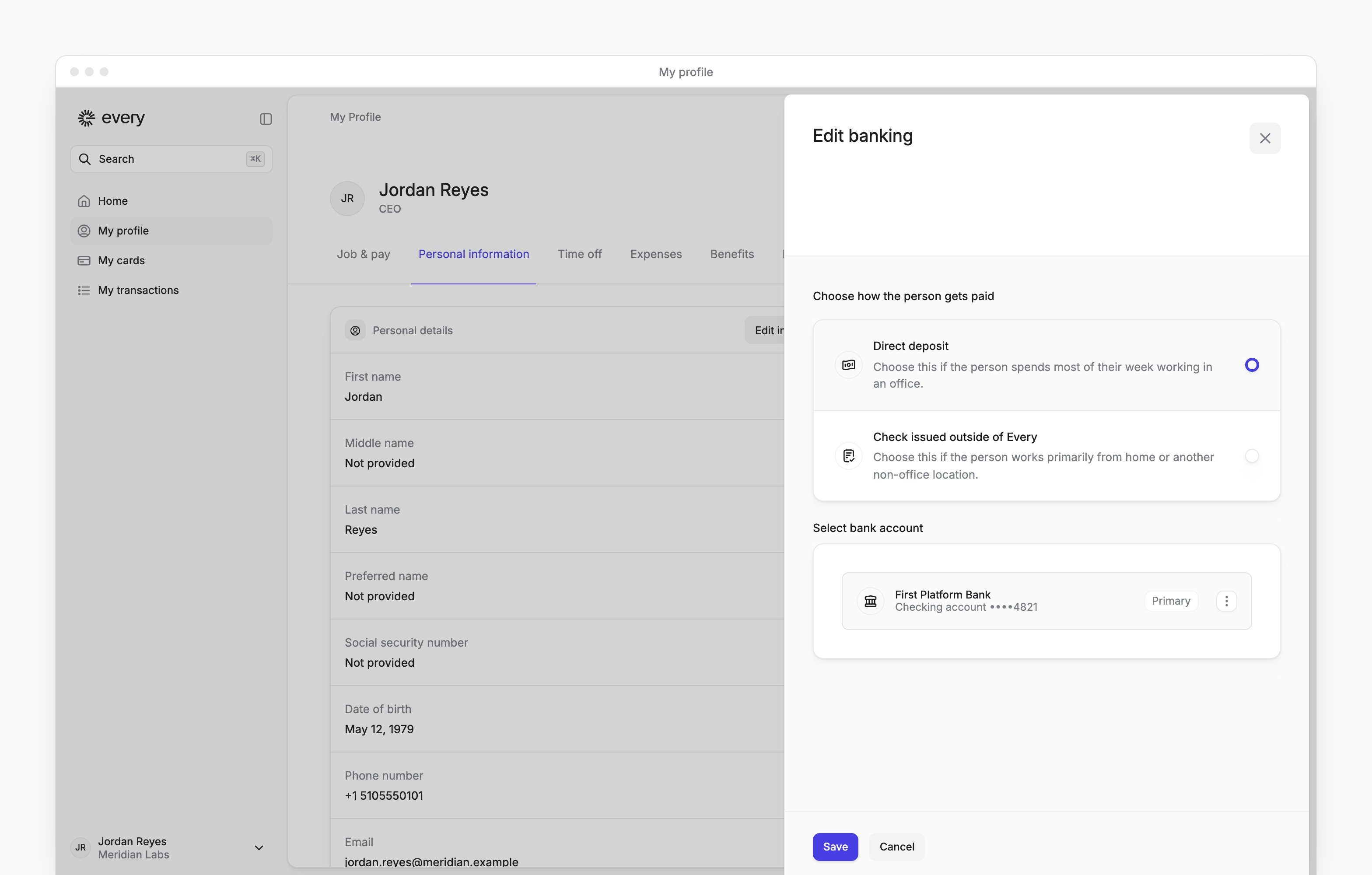
Set up direct deposit
On My profile, use Personal information for an employee or Contractor details for a contractor.1
Open the bank account form
Under Bank account for payroll, select Add, or Edit if you’ve already added an account.
2
Choose direct deposit
Select Direct deposit.
3
Choose the account
Enter your bank account’s details, or select an account you’ve added.
4
Save the account
Select Save.
Request time off
The Time off tab shows your balances, policy details, holiday calendar and requests when you belong to a policy. Follow Request time off to submit, edit or cancel an available request. After employment ends, the request history stays available with the actions read-only.Review your benefits
The Benefits tab lists your enrolled plans and benefit cards. To change your benefits after a life event, select Submit change under Qualified life event. It appears while you’re eligible and still employed.Tabs
Contractors have Job & pay, Contractor details, Expenses and Docs, with Time off when they belong to a policy.