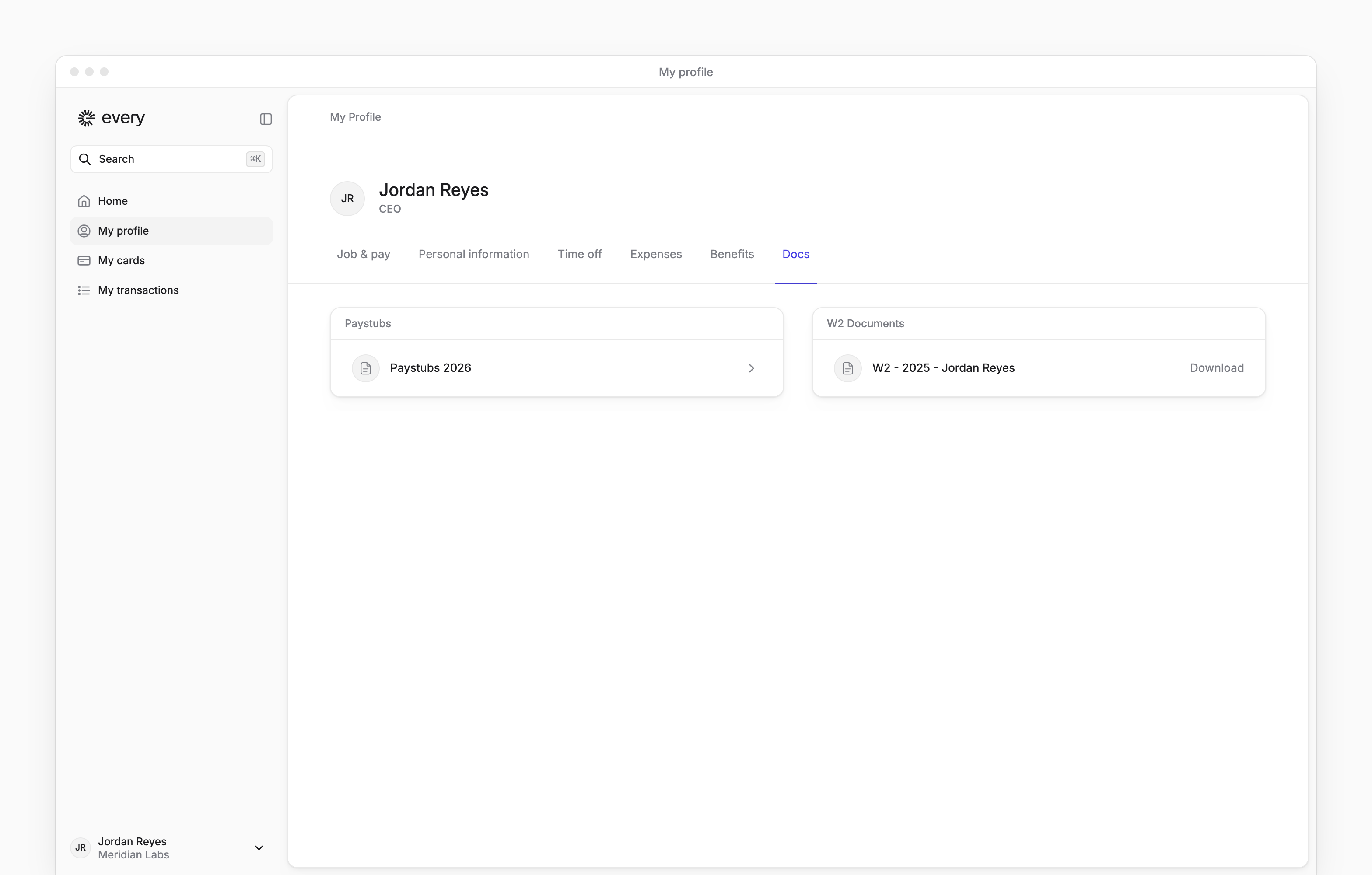
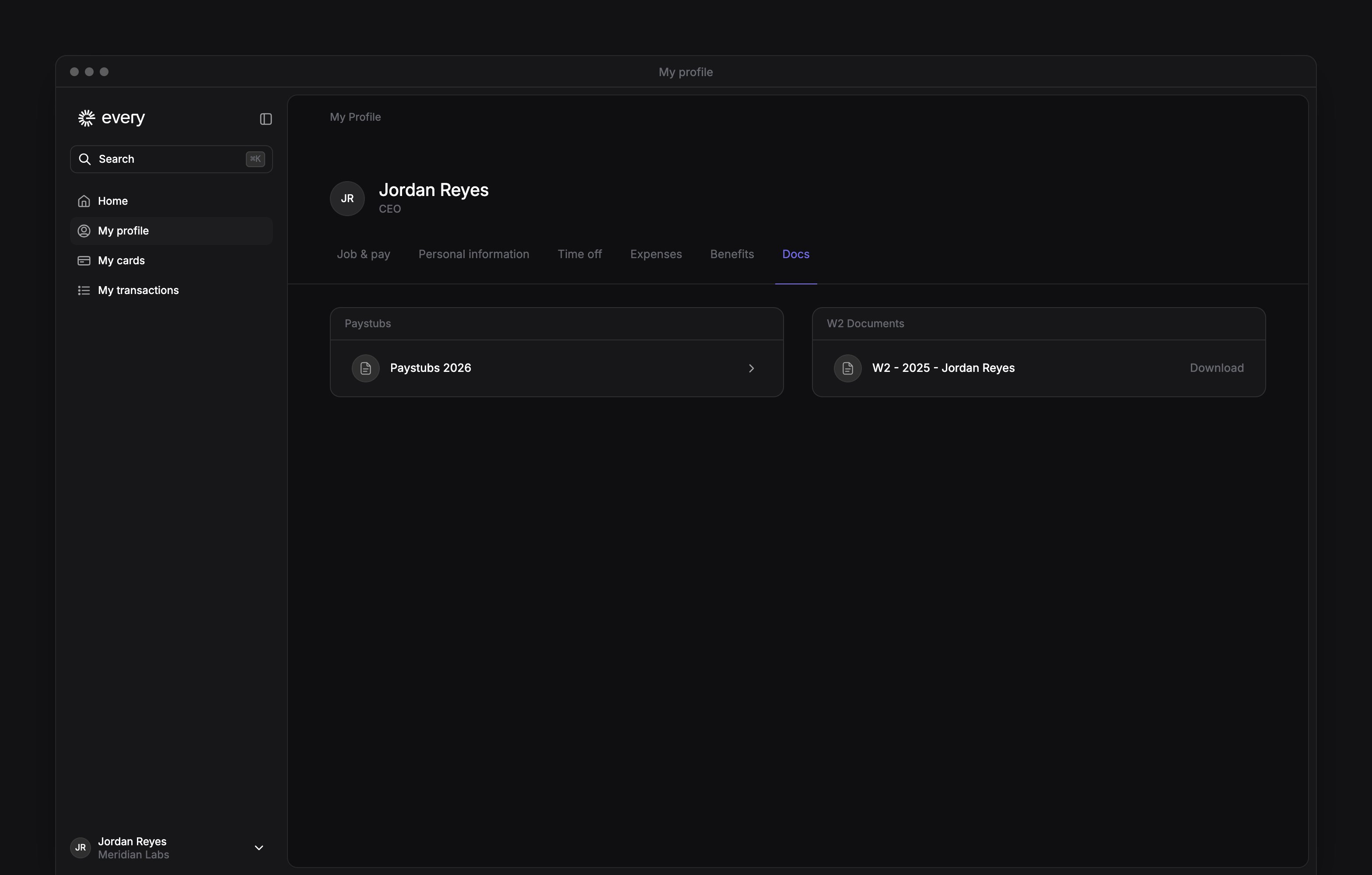
Your paystubs and tax forms are on My profile → Docs, after your company finishes onboarding. Open a document to view or download it.
Download a paystub
1
Open your documents
Go to My profile → Docs.
2
Choose the year
Under Paystubs, select the year you need.
3
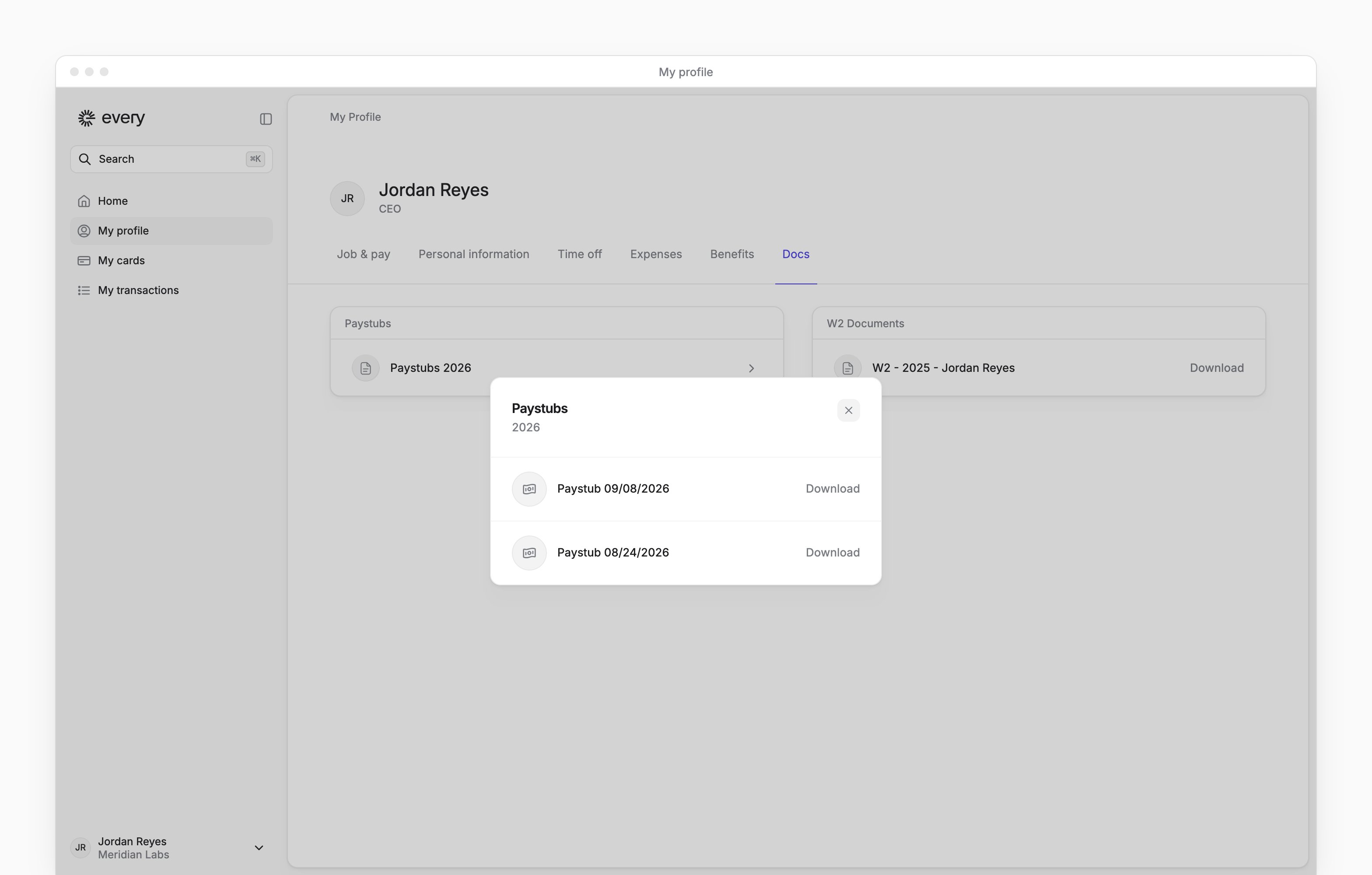
Download the paystub
In the Paystubs dialog, select Download beside the pay date you need. Every downloads a PDF.

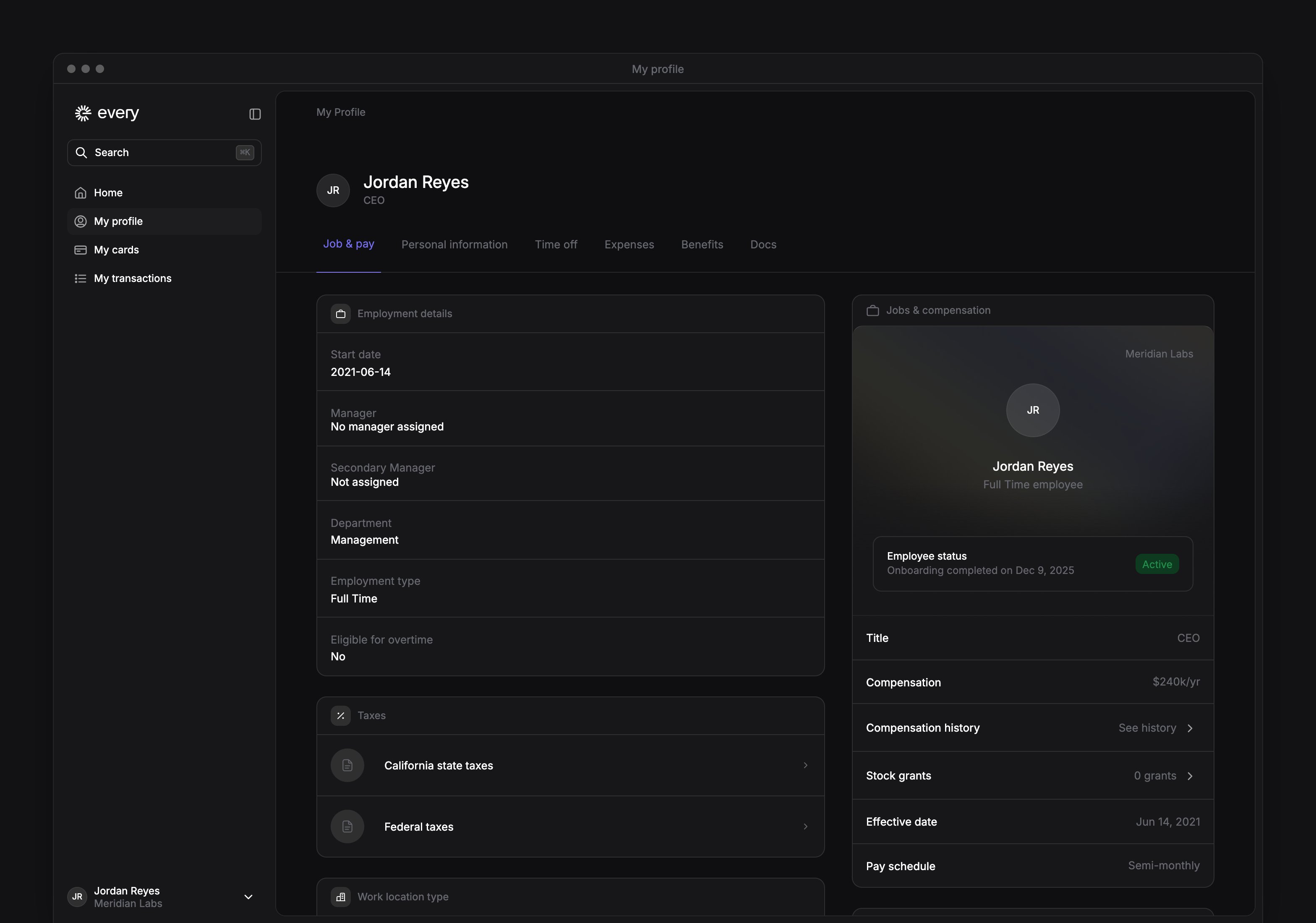
Check your tax withholding
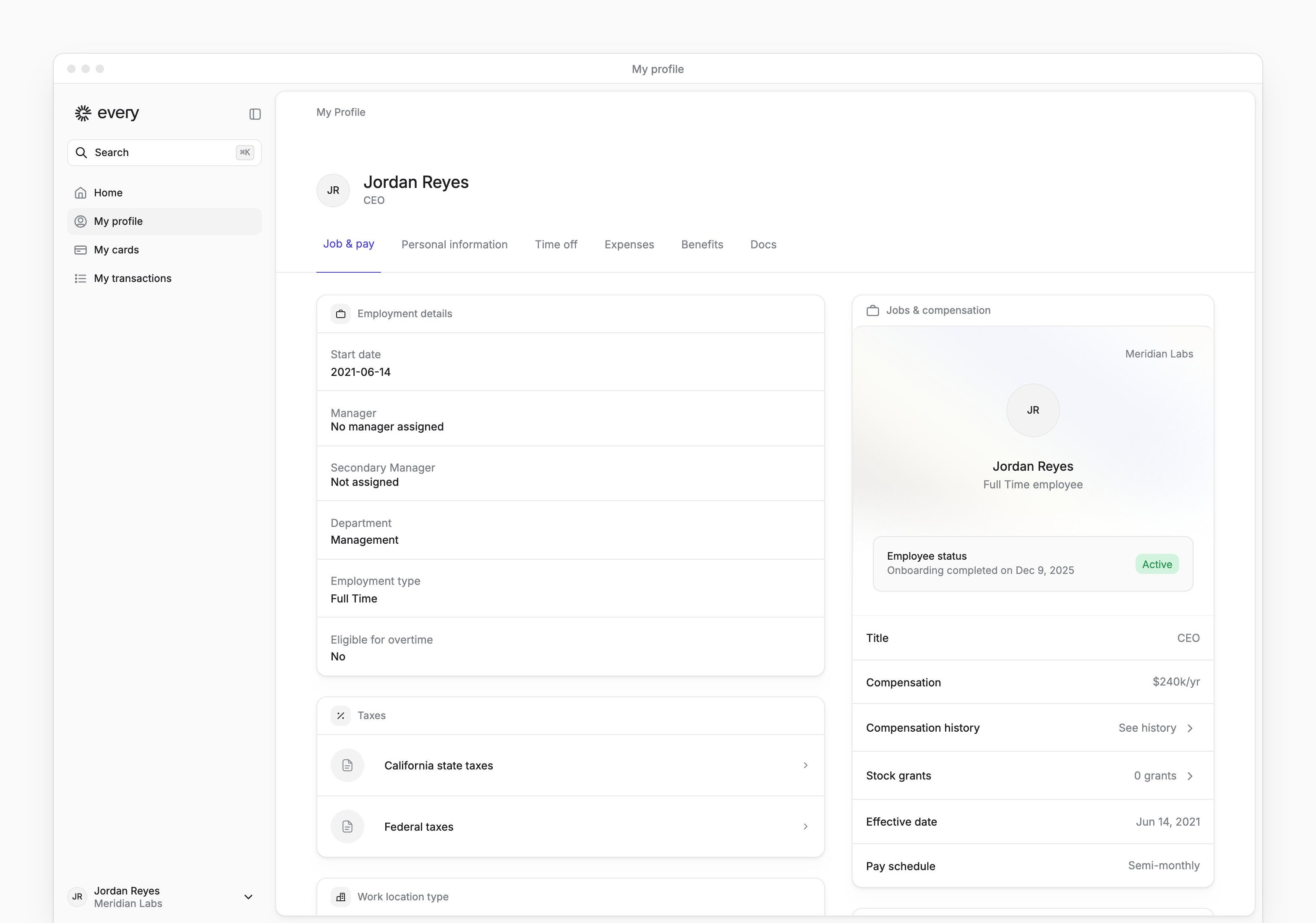
For employees, is under My profile → Job & pay → Taxes.1
Choose a tax form
Select Federal taxes or the state tax row shown for you.
2
Update your withholding
Complete or change the displayed fields. The fields depend on your jurisdiction.
3
Save your changes
Select Save on the form you changed.
Documents
A section appears when you have documents available in it. If a paystub or tax form is missing, email support@every.io to ask when it will be available for your account.