


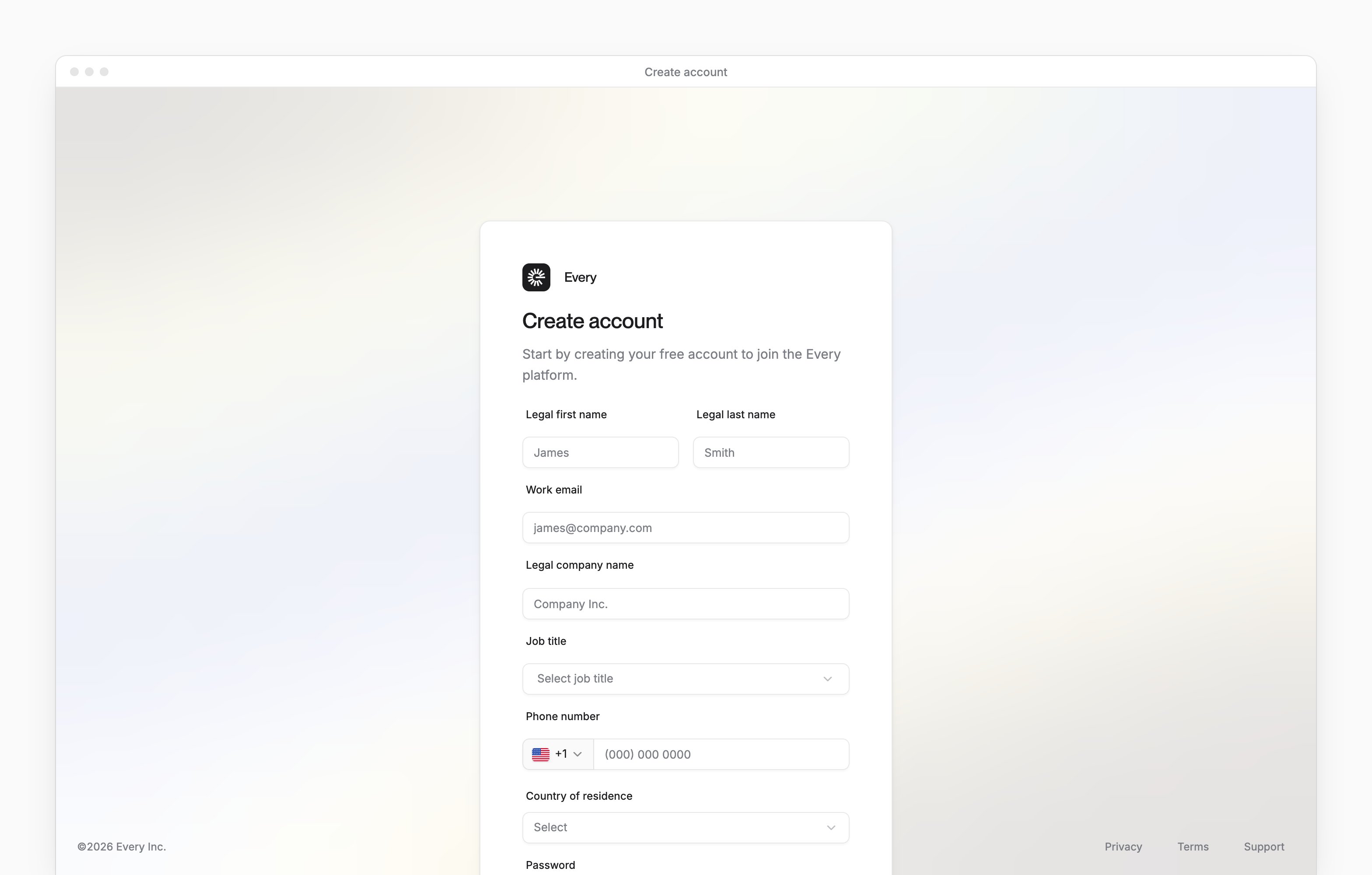
 Signing up for Every creates your company in Every, with you as its Company Admin, then opens your company’s application. The sign-up page is app.every.io/v2/signup, and Every’s sign-in page links to it with Sign up.
Before you begin
Signing up always creates a new company. If your company already uses Every, ask one of its Company Admins to add you instead. You need a work email that doesn’t have an Every account yet.Sign up
1
Open the sign-up page
On Every’s sign-in page, select Sign up, or go to app.every.io/v2/signup.
2
Enter your details
Enter your Legal first name, Legal last name, Work email and Legal company name. Then choose your Job title, enter your Phone number and choose your Country of residence. If you don’t work at the company, choose “I am not an employee” as your job title.
3
Choose a password
Enter it in Password, then again in Confirm Password. It needs at least 8 characters, with at least one lowercase letter, uppercase letter, number and symbol. Spaces aren’t allowed.
4
Create the account
Select Create account. Doing so accepts Every’s Terms & Conditions and Privacy Policy.
5
Verify your email
Every emails a 6-digit code to your work email. Enter it under Confirmation code, then select Continue.
What happens next
Every signs you in and opens your company’s application at its first step, Company Details. Its first question, Have you incorporated yet?, sets what comes next:- No, if you’d like Every to incorporate your company: see Incorporate your company.
- Yes, if your company already exists: see Open a bank account.
Troubleshooting
- “Email already in use. Log in below”: that email already has an Every account. Select Sign in and sign in with it.
- “This password is not allowed”: choose a different password.
- “Invalid code”: enter the most recent code Every emailed you.
- “This code has expired”, or the code never arrived: select Resend code, then enter the newest code. You can ask for another after 60 seconds.
- “Too many attempts”: email support@every.io to confirm your account.
- You closed the page before entering the code: sign in with your email and password, and Every emails you a new code.