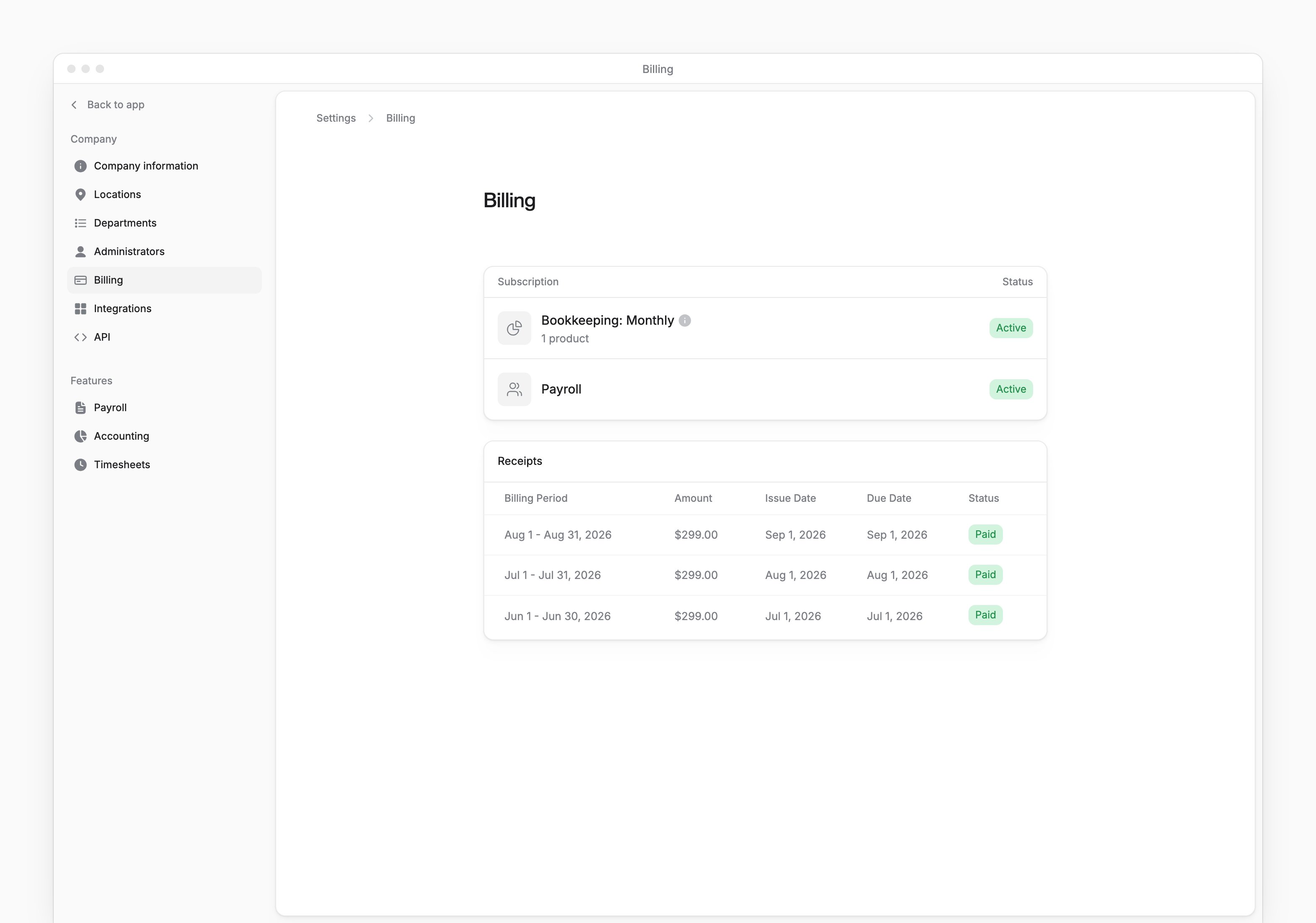
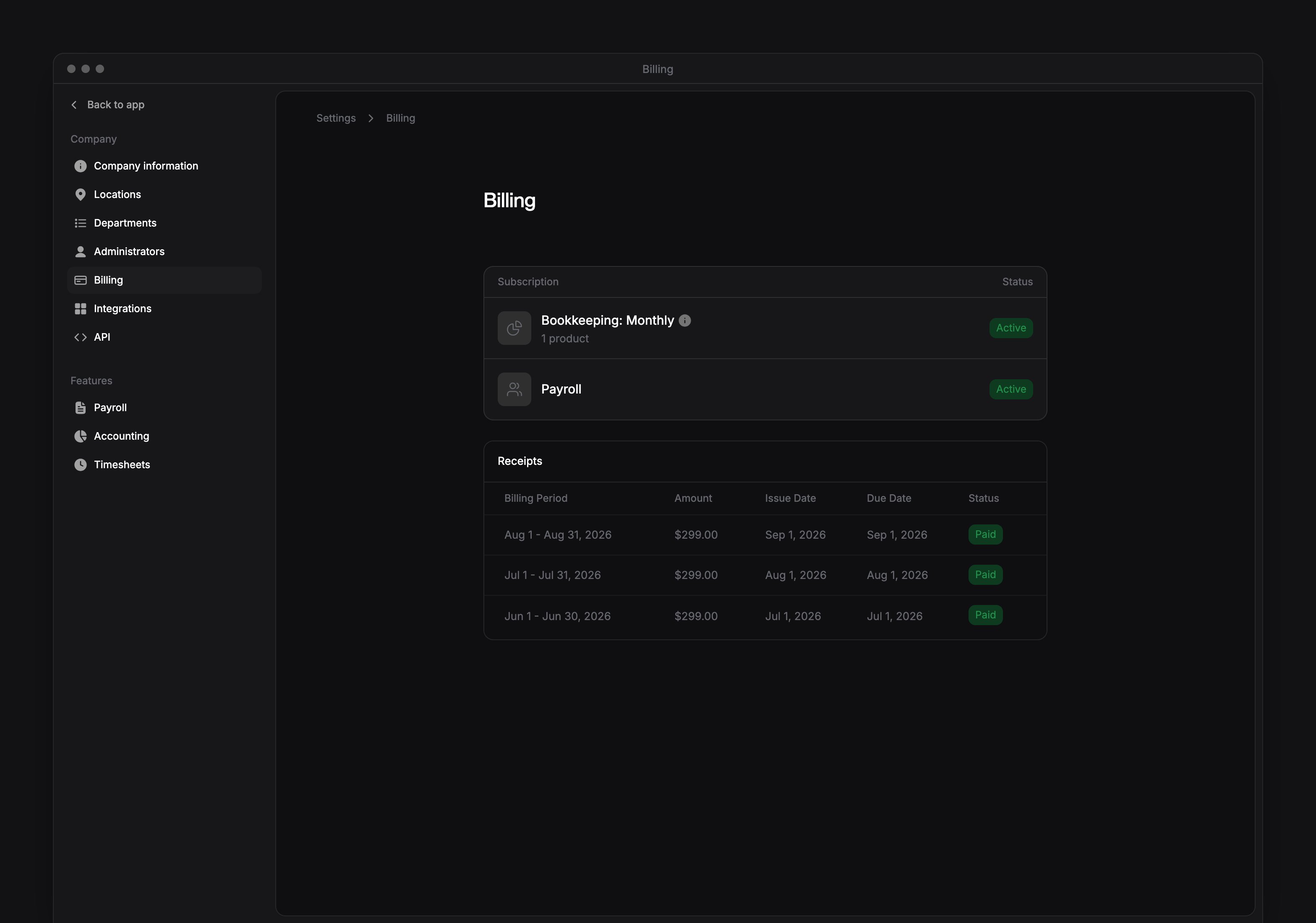
Settings → Billing shows your company’s Every subscriptions and billing receipts. Company Admins, HR Admins and Bookkeepers can open the page.
Billing appears after Every turns it on. If you don’t see it, email support@every.io to ask about it.
Check your subscriptions
Under Subscription, check the status of Bookkeeping and Payroll: Active or Expired. Bookkeeping can also show Not Active. When Get Started appears for a product, select it to open setup. Bookkeeping also shows your plan. Hover over the information icon next to the plan to see how often your bookkeeping is completed.Download a receipt
Your company must have payroll enabled to view or download receipts. You can check your subscriptions without it.- Under Receipts, hover over the Paid receipt for the billing period you want.
- Select the download button to save the receipt as a PDF.