


 Settings → API holds your company’s Every API keys. Company Admins can use it.
Every turns on Every API company by company. If you don’t see it, email support@every.io to ask about it.
Create a key
1
Open the sheet
Under API keys, select Create new.
2
Name the key
In the Create new key sheet, enter a name of 1 to 64 characters in Key name, such as the name of the app that uses it.
3
Create the key
Select Create. Every shows the new key in a dialog.
4
Copy the key
Copy the key and store it somewhere secure. Every shows it only this once.
5
Close the dialog
Select Done & close.
API keys
The list shows each key’s name and when it was added, newest first.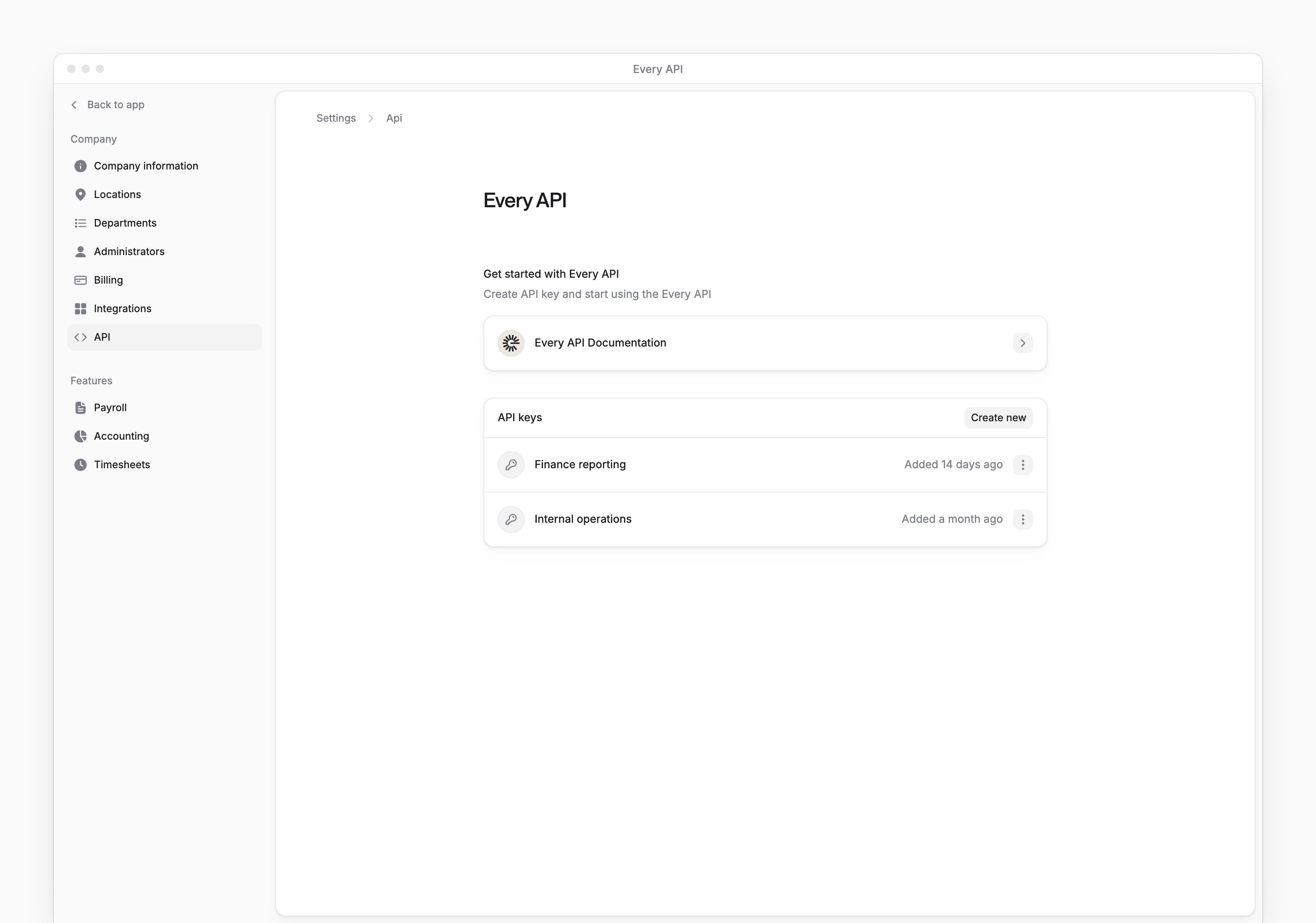

Revoke a key
- In the key’s menu, select Revoke.
- In the confirmation dialog, select Confirm.