


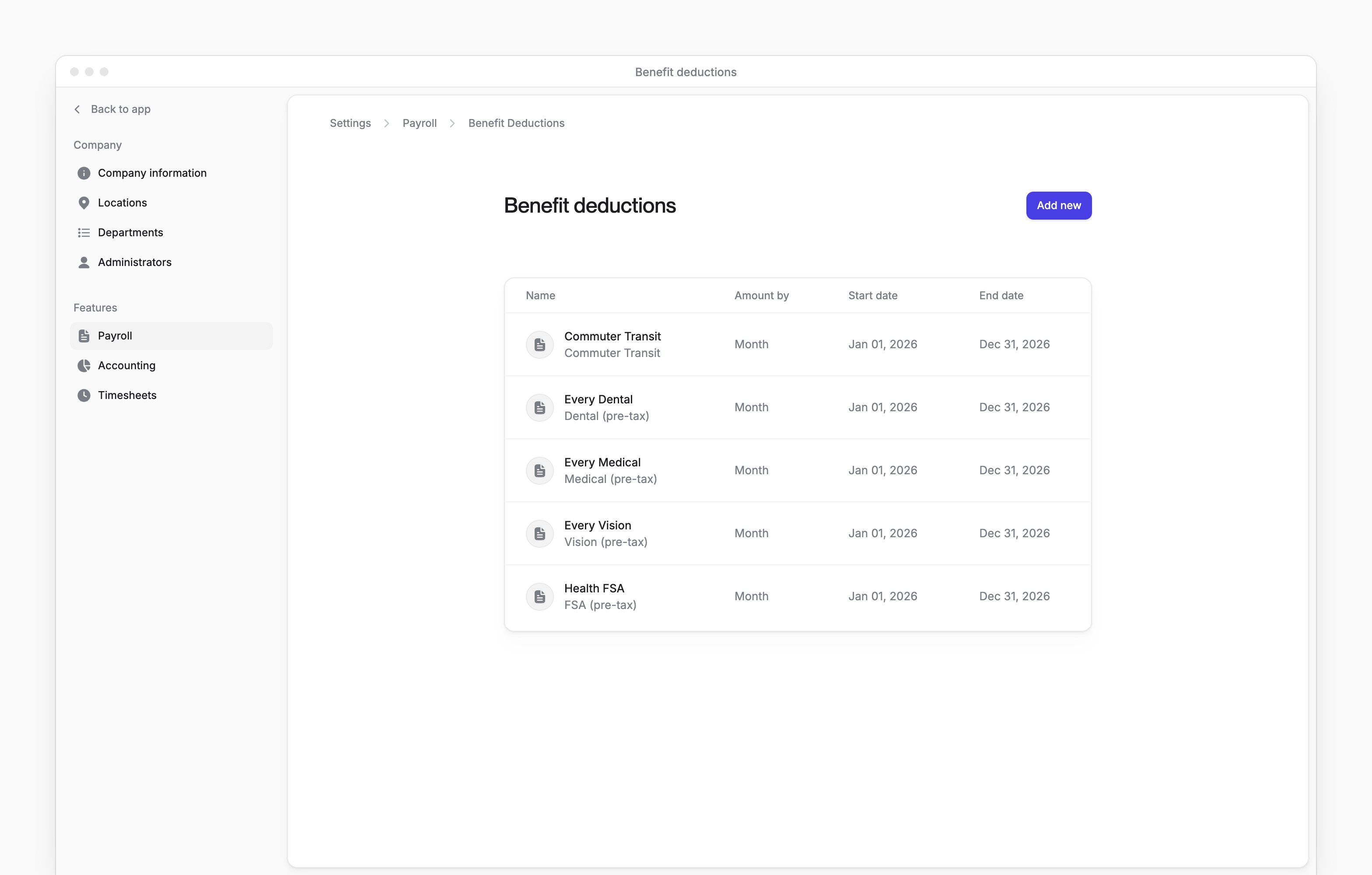
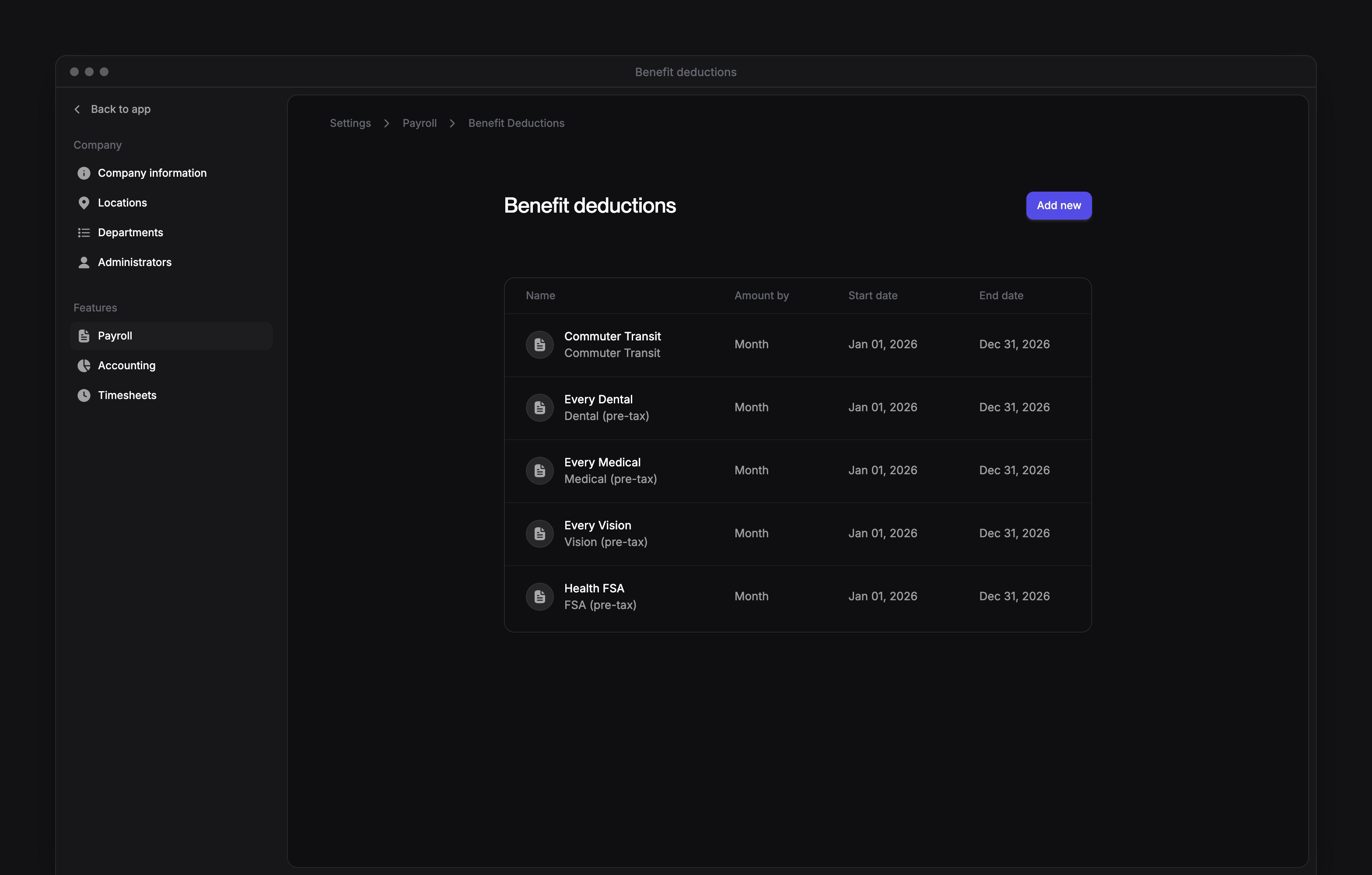
 Company Admins and HR Admins manage company benefit plans on Settings → Payroll → Benefits deductions, a page headed Benefit deductions. The same roles manage each employee’s deductions on their People profile.
Benefit deductions opens after your company finishes payroll setup. Each employee sees their own paystubs on My profile → Docs (see Paystubs and tax forms).
Company Admins and HR Admins manage company benefit plans on Settings → Payroll → Benefits deductions, a page headed Benefit deductions. The same roles manage each employee’s deductions on their People profile.
Benefit deductions opens after your company finishes payroll setup. Each employee sees their own paystubs on My profile → Docs (see Paystubs and tax forms).
Every turns on employee benefit deductions and company by company. If you don’t see them, email support@every.io to ask about them.
Set up a company benefit plan
The list shows only current plans: active plans ending after today.1
Start a plan
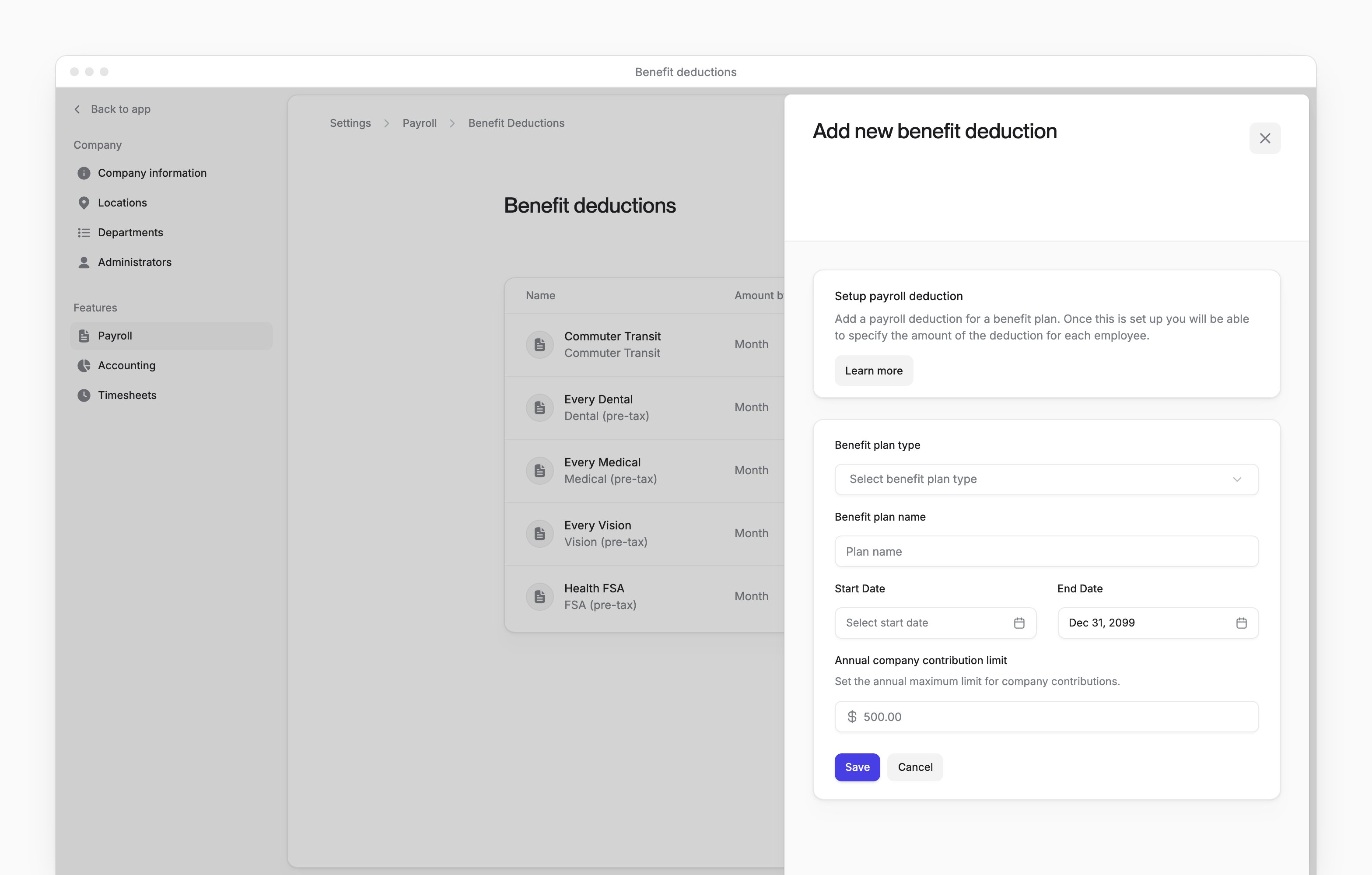
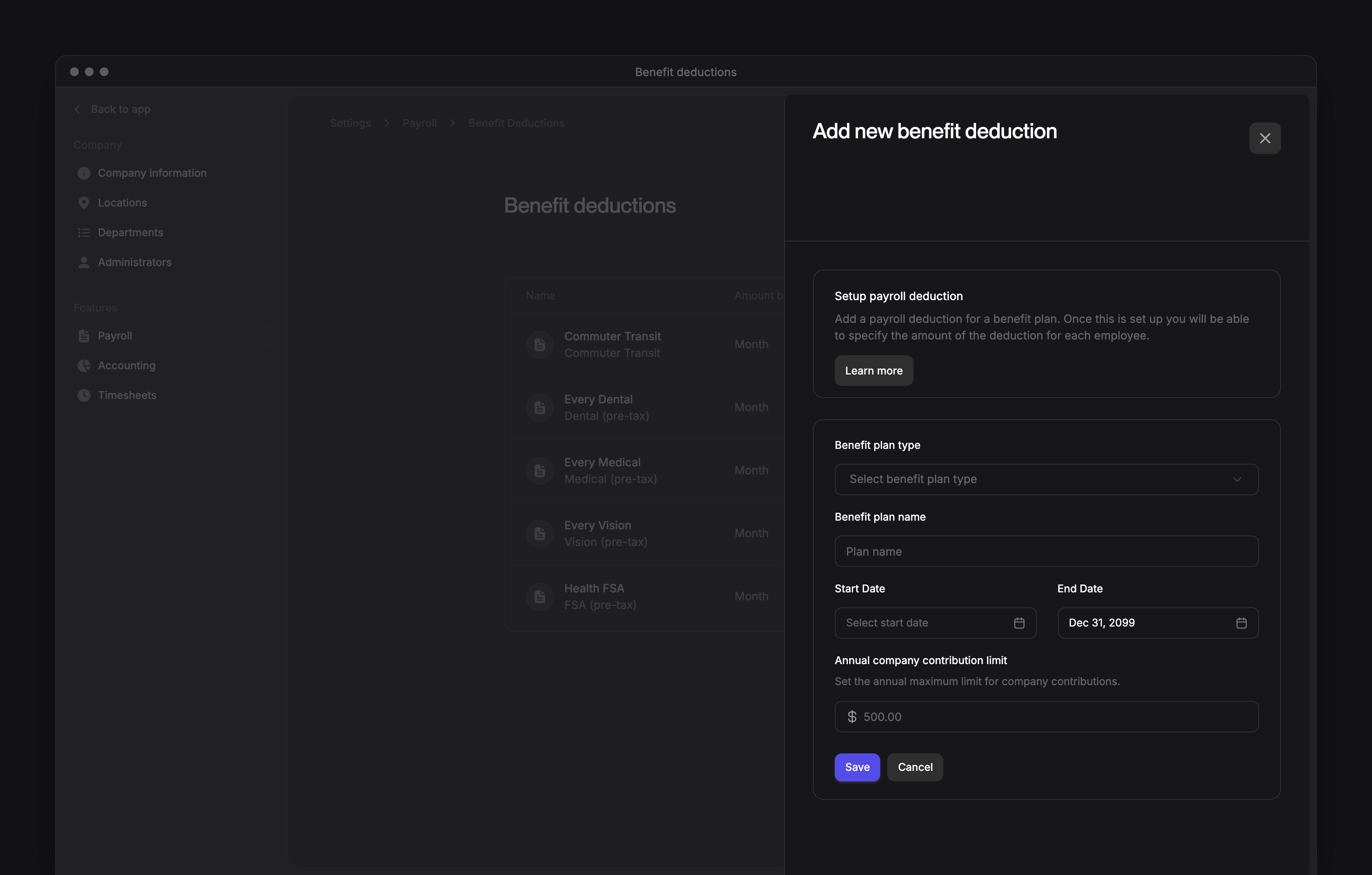
On Benefit deductions, select Add new.
2
Choose the plan type
In Benefit plan type, choose the type of benefit.
3
Choose the vendor
For a 401(k) plan or a , in Select benefit vendor, choose the vendor. Other plan types don’t ask for one.
4
Name the plan
Enter a Benefit plan name.
5
Set the dates
Choose the plan’s Start Date and End Date.
6
Choose the amount period
If the form shows Benefit Period, choose Month or Pay Period. This sets the unit for each employee’s amounts.
7
Choose whether the company matches
For a 401(k) or Roth 401(k), in Contribution Match, select Yes or No.
8
Set the company match
If you selected Yes, enter Company match and Percentage of the employee salary.
9
Set a company limit
Optional: enter an Annual company contribution limit.
10
Save the plan
Select Save. The plan appears in the list if it’s current.
Add a benefit deduction for an employee
Benefit plan offers active plans ending after today that have no benefit vendor or partner. A 401(k) or Roth 401(k) plan created in Benefit deductions requires a vendor, so Benefit plan doesn’t offer it. To ask how to add an employee to one of these plans, email support@every.io. For 401(k) partners, see Retirement. Contractors have no Benefits tab. If the employee’s self-service onboarding is still in progress, wait until their profile has one.1
Open the employee's profile
On People, open the employee’s profile.
2
Open the deduction form
Select Actions → Add Deduction. The form opens on the Benefits tab.
3
Choose the plan
Choose a Benefit plan. The form fills its start and end dates from the plan.
4
Set the employee's dates
Adjust Start date and End date within the plan’s active dates. The end date must follow the start date.
5
Enter the amounts
Enter the company and employee amounts in the unit shown: per month or per . At least one amount must be greater than $0.
6
Save the deduction
Select Save.
Change or delete an employee’s benefit deduction
To change an unexpired deduction managed by your company:1
Open the edit form
On the employee’s Benefits tab, select Make changes on the deduction’s card.
2
Change the deduction
Change the dates or amounts.
3
Save the changes
Select Save.
1
Open the edit form
On the employee’s Benefits tab, select Make changes on the deduction’s card.
2
Delete the deduction
In the edit form, select Delete deduction.
3
Confirm the deletion
In the confirmation, select Delete.
Add a post-tax deduction
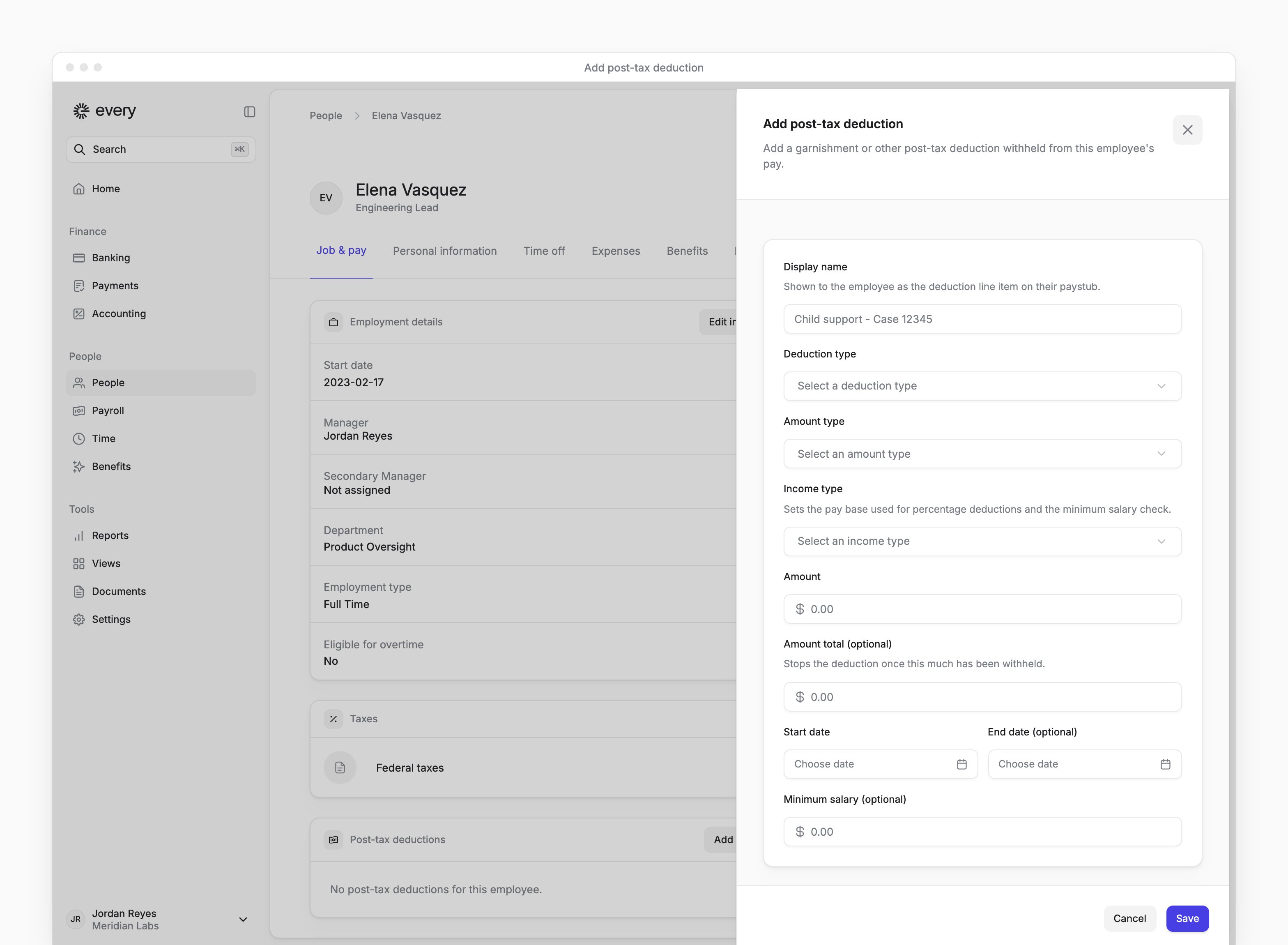
Post-tax deductions include . Contractors can’t open the post-tax deduction form, and you can’t add one for a terminated employee. An employee doing self-service onboarding must finish onboarding first: until then, their profile says “Complete employee onboarding to add post-tax deductions”.1
Open the employee's profile
On People, open the employee’s profile.
2
Open the form
Select Actions → Add Post-Tax Deduction. Or, on Job & pay → Post-tax deductions, select Add deduction.
3
Name the deduction
Enter a Display name.
4
Choose the deduction type
In Deduction type, choose the type.
5
Choose the amount type
In Amount type, choose Fixed amount or Percentage of income.
6
Choose the income type
In Income type, choose Disposable income or Gross income.
7
Enter the amount
Enter the Amount or Percent. For 15%, enter 15.
8
Set the start date
Choose a Start date.
9
Add the optional details
Optional: enter an end date, total amount, minimum salary, case number or agency details.
10
Save the deduction
Select Save. Every shows “Post-tax deduction added”.
Change a post-tax deduction
1
Open the edit form
On the employee’s Job & pay tab, under Post-tax deductions, select Edit in the deduction’s row menu.
2
Change the values
In the edit form, change Amount type, Income type or the amount shown in Amount or Percent.
3
Save the changes
Select Save.
Review deductions on a draft or failed run
1
Open the pay run
On Payroll → All pay runs, select a Draft or Failed run.
2
Open deductions
Select Deductions.
3
Inspect an employee's amounts
Select an employee to see employee deductions and company contributions. The sheet is read-only.