


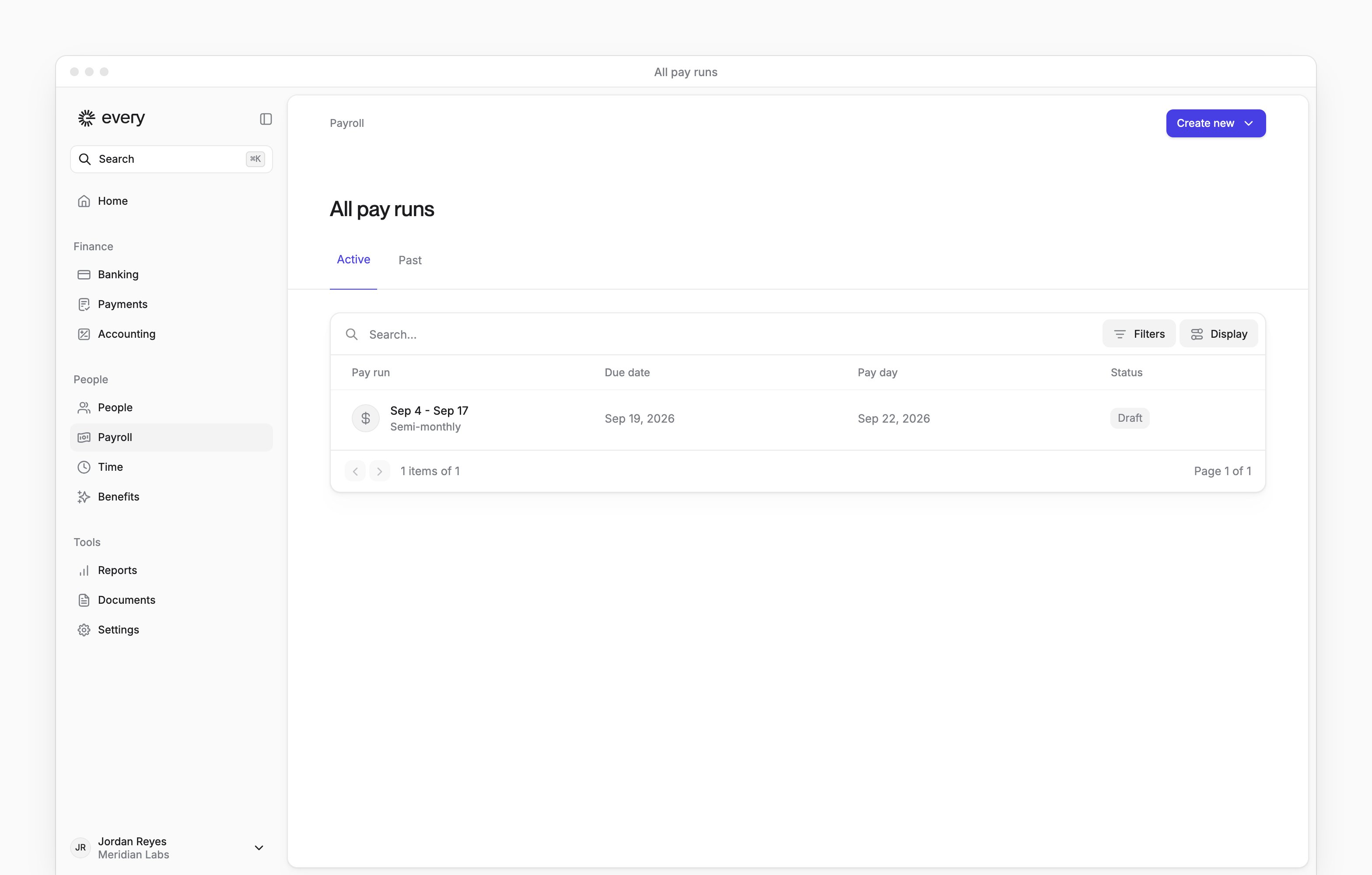
 Payroll in the sidebar opens All pay runs, where you find your company’s pay runs and their deadlines. Company Admins and HR Admins can use it when your company has payroll turned on. Each employee sees their own paystubs on My profile → Docs after your company finishes onboarding (see Paystubs and tax forms).
Until payroll onboarding is complete, the page shows a preview. Select Get started to open payroll onboarding. Before your account is approved, the button is disabled and reads Get started after account approved.
Payroll in the sidebar opens All pay runs, where you find your company’s pay runs and their deadlines. Company Admins and HR Admins can use it when your company has payroll turned on. Each employee sees their own paystubs on My profile → Docs after your company finishes onboarding (see Paystubs and tax forms).
Until payroll onboarding is complete, the page shows a preview. Select Get started to open payroll onboarding. Before your account is approved, the button is disabled and reads Get started after account approved.
Open a pay run
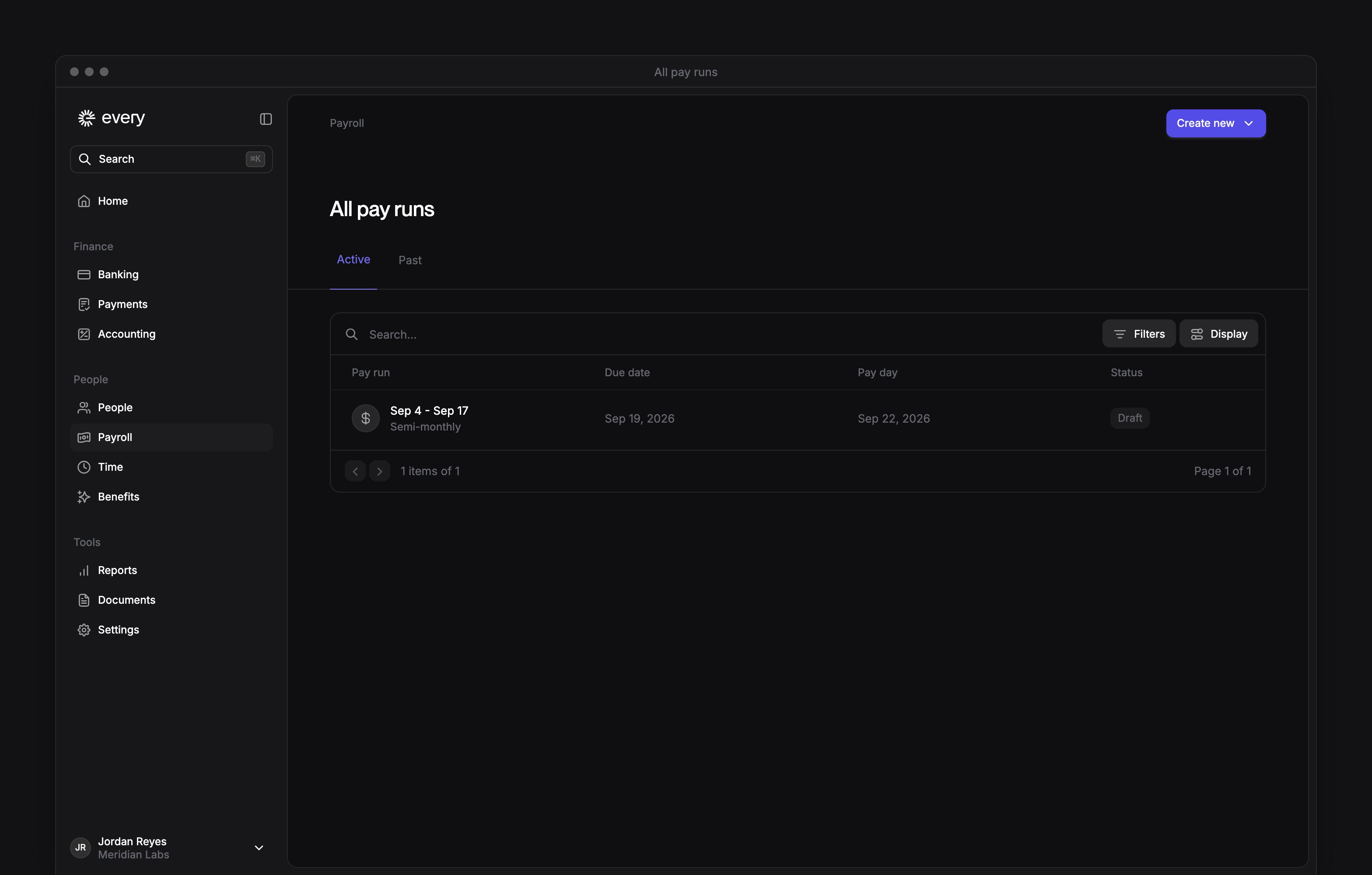
On All pay runs, select a row to open the run. The tabs separate active and past runs:
The list shows each run’s name or , due date, payday and status. See Run payroll to adjust, review and submit a run.
Edit or skip a run
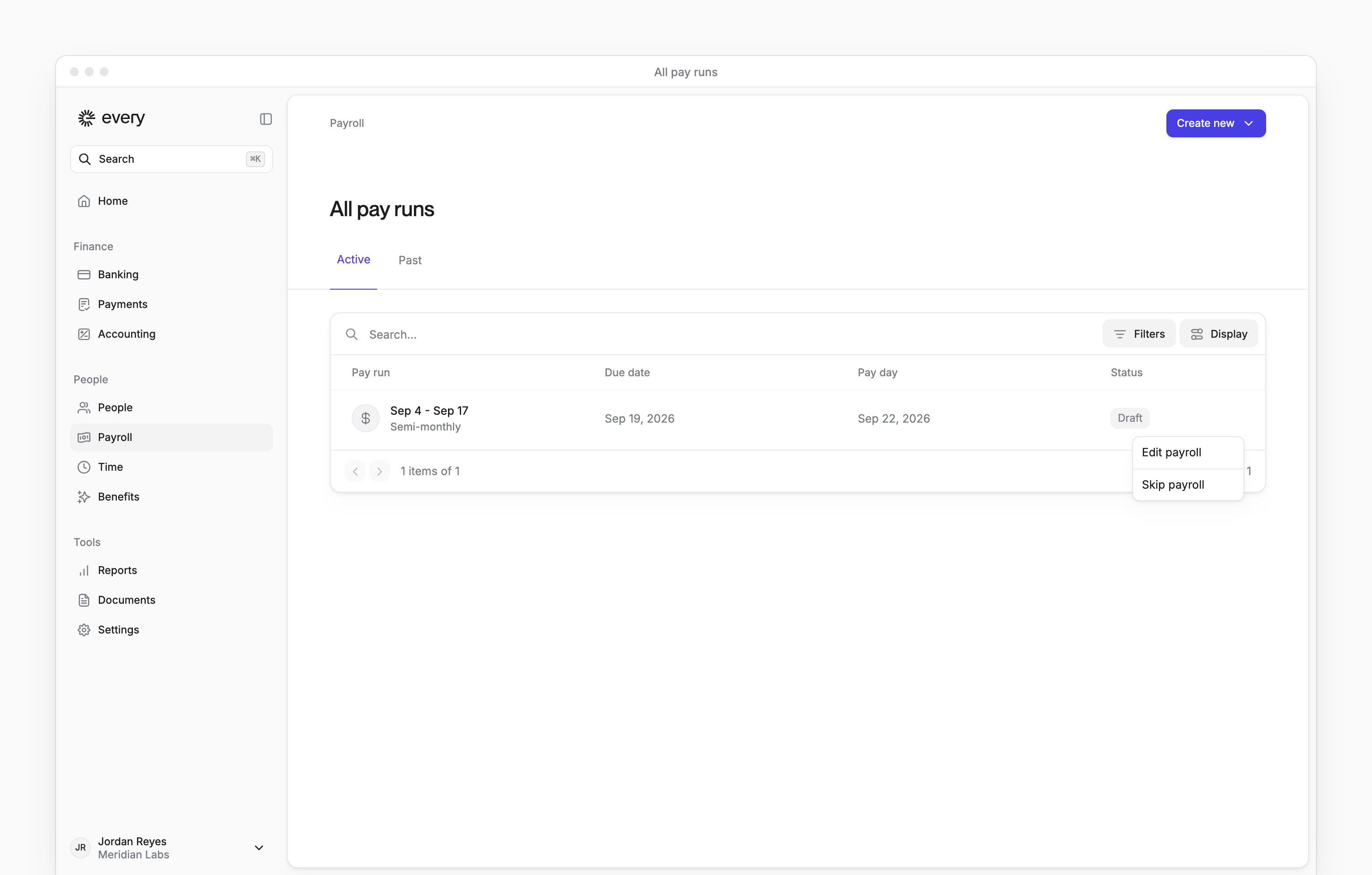
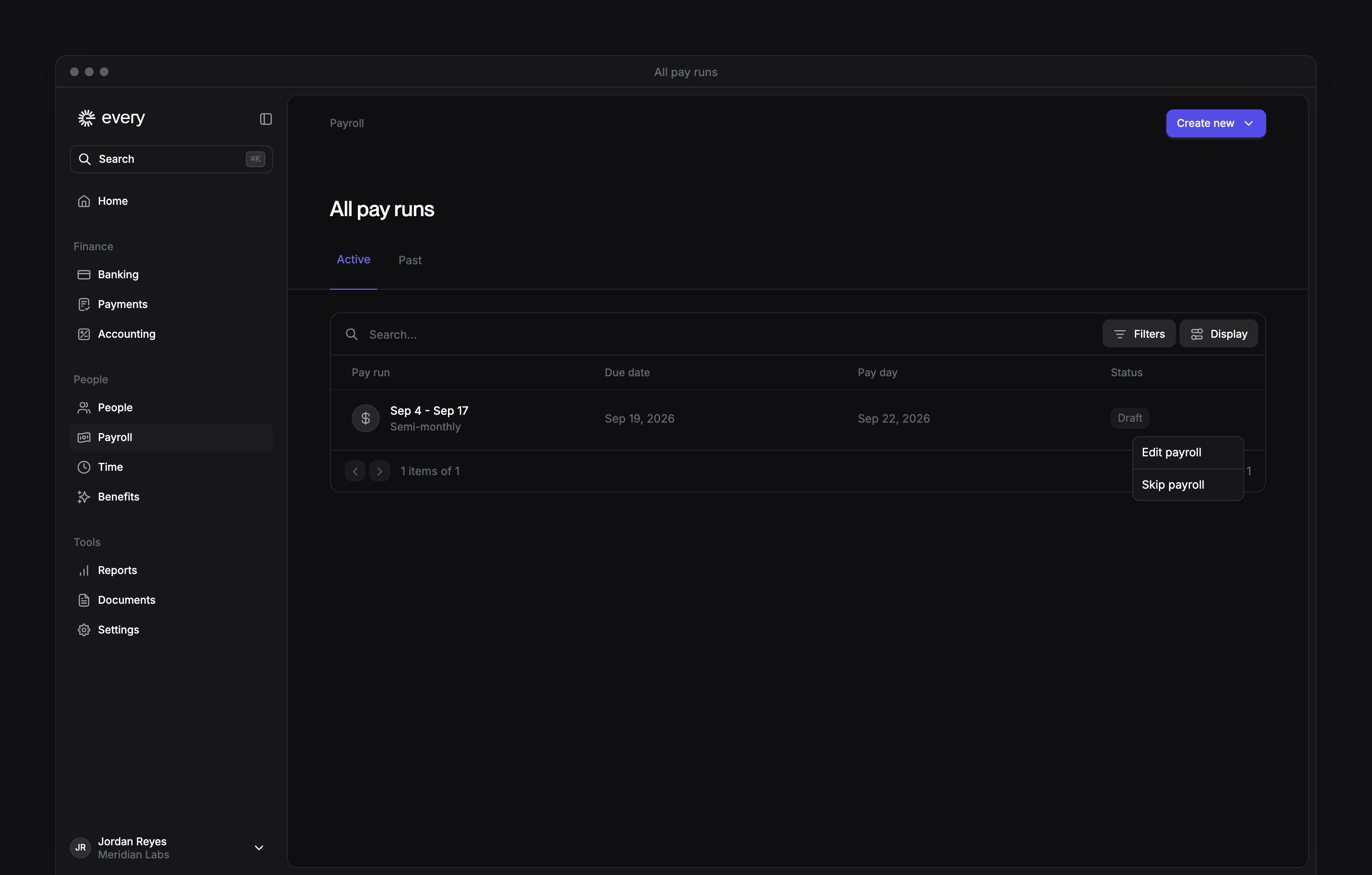
Draft and Failed runs have Edit payroll in their row menu. Submitted and Paid runs have no row menu.- On All pay runs, open the run’s row menu.
- Select Edit payroll.
1
Open the row menu
On All pay runs, open the run’s row menu.
2
Skip the run
Select Skip payroll.
3
Confirm
In the confirmation, select Skip payroll. The run leaves All pay runs.
Cancel a PTO off-cycle
A Company Admin can cancel a Draft PTO off-cycle. The HR Admin role on its own can’t.1
Open the row menu
On All pay runs, open the run’s row menu.
2
Cancel the run
Select Cancel PTO off-cycle.
3
Confirm
In the confirmation, select Cancel off-cycle. The run leaves the list and the linked time off request is marked unpaid. Its approval stays the same.
Create a pay run
After payroll onboarding:- On All pay runs, select Create new.
- In the menu, choose the kind of run:
Status and deadlines
A regular run past due shows Overdue instead of its status, unless it has reached Submitted, Paid or Failed.
An Autopilot badge means autopilot is on for the run’s pay schedule and hasn’t been turned off for this run. To manage pay schedules, see Payroll settings.
A Payroll overdue alert means a regular run has passed its due date without reaching Submitted or Paid. Missing the due date delays payday, so tell your employees about the delay.
For a funding problem or a deposit missing on payday, see Failed or delayed payroll.