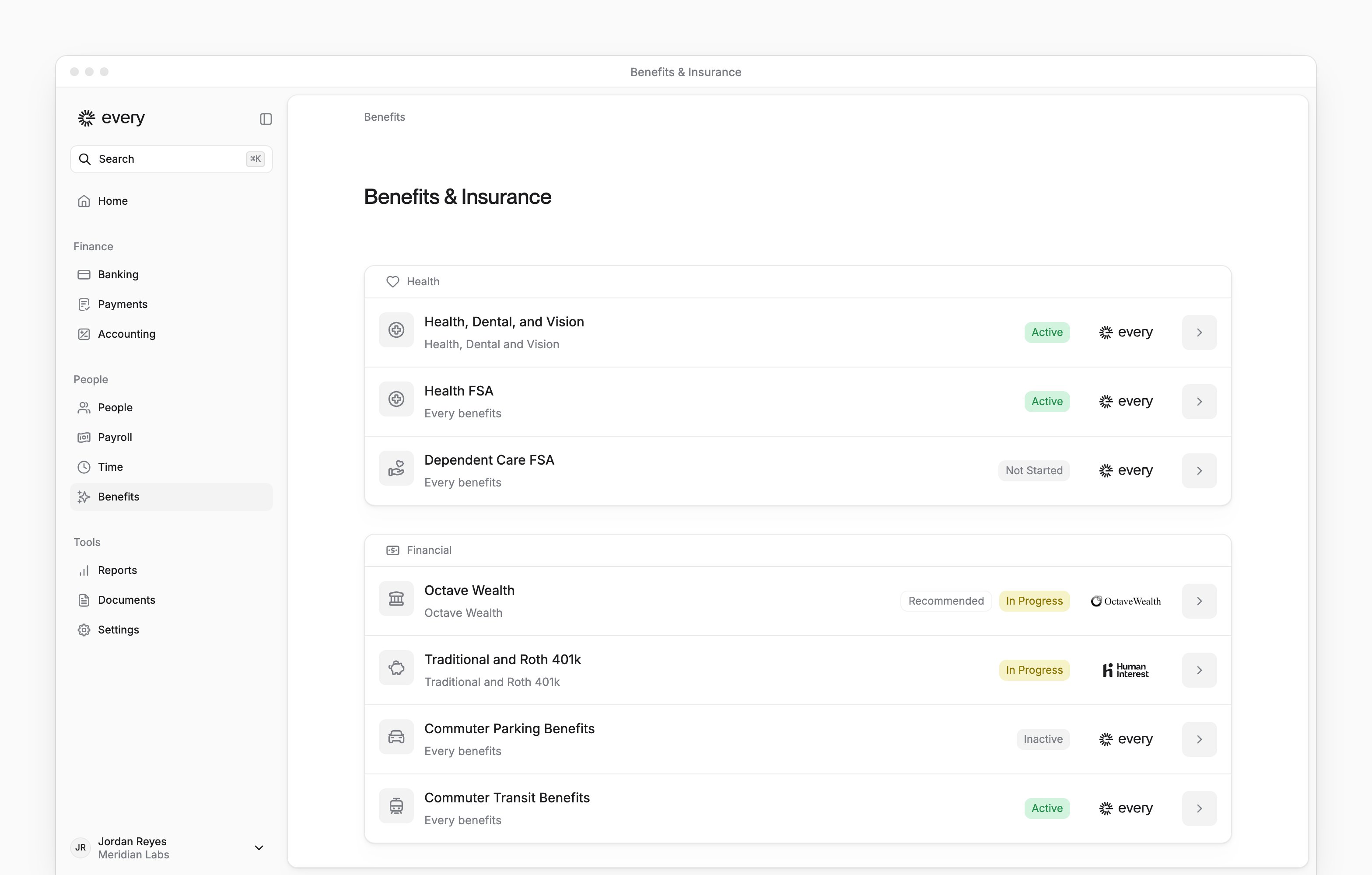
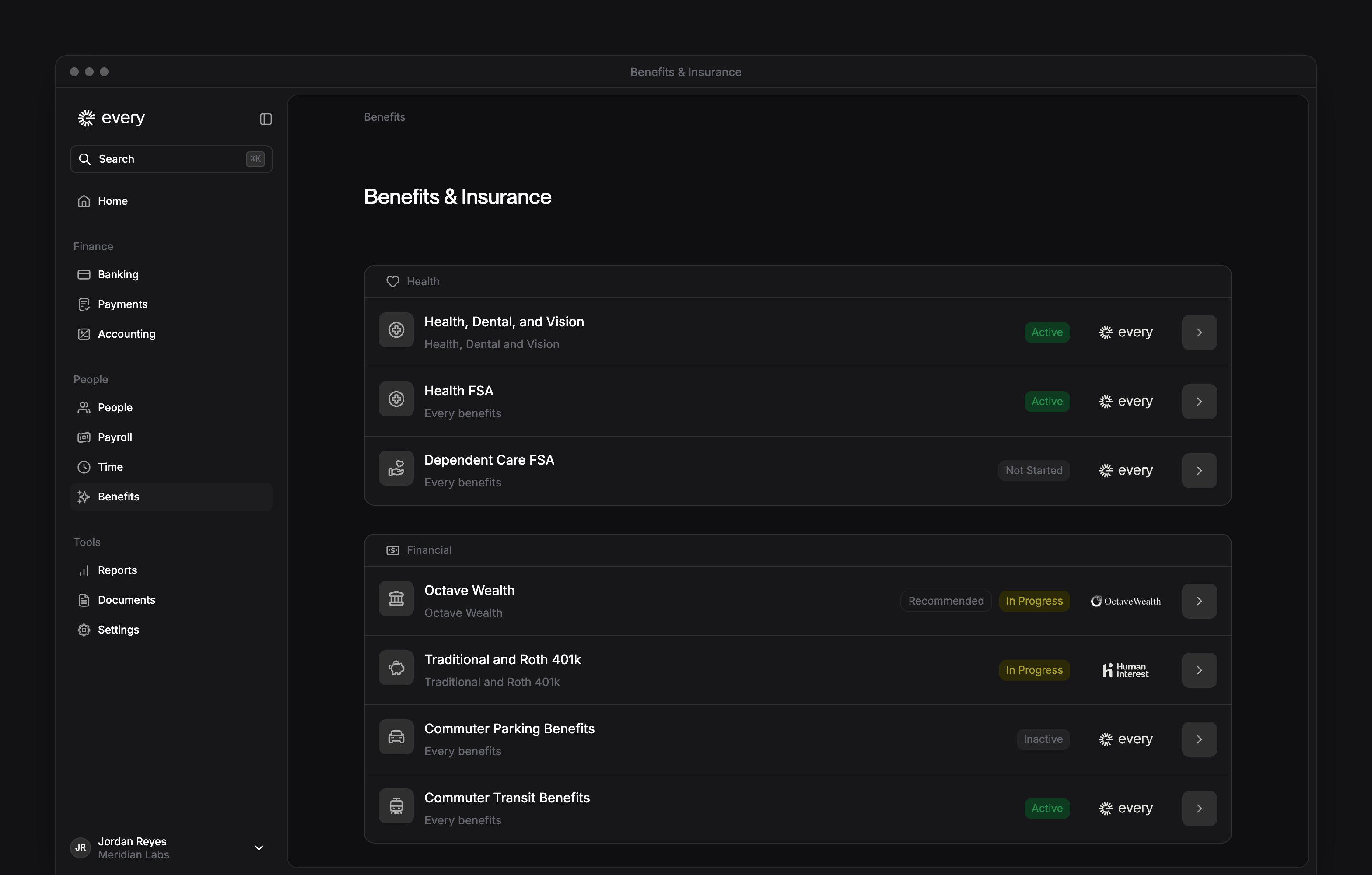
Benefits in the sidebar opens Benefits & Insurance, where you find your company’s benefits and check their setup status.
Company Admins and HR Admins use it after payroll is enabled and company and payroll onboarding are complete. Employees use My profile → Benefits for their own benefits after onboarding (see My profile).
Benefits in the sidebar opens Benefits & Insurance, where you find your company’s benefits and check their setup status.
Company Admins and HR Admins use it after payroll is enabled and company and payroll onboarding are complete. Employees use My profile → Benefits for their own benefits after onboarding (see My profile).
Every turns on financial benefits company by company. If you don’t see them, email support@every.io to ask about them.
Choose a benefit
The page groups offerings into three sections. Which rows you see depends on your company’s location, enabled products and existing policies.
For and commuter benefit setup, see Financial benefits. When your company has Dependent Care FSA, its row is under Health or Financial.
For HRA-enabled health plans, see HRA-enabled plans.
Select a row to open it. Every-managed rows open a page or setup flow in Every. Partner rows can open the partner’s website in a new tab.